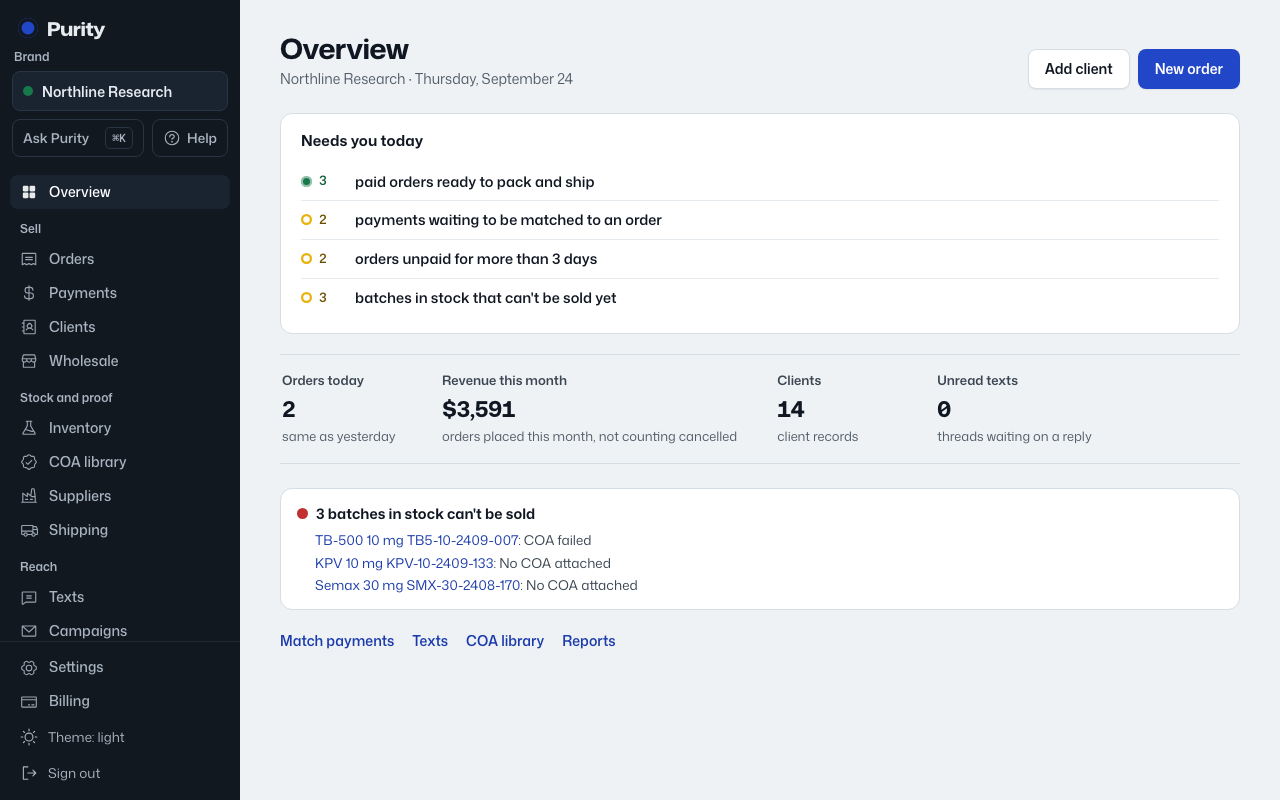
The Overview has two rows of quick links.
- "Add client" and "New order", at the top of the page.
- Match payments, Texts, COA library and Reports, near the bottom.
Jump straight to the screens you use most, right from the home screen.
The Overview has two rows of quick links.