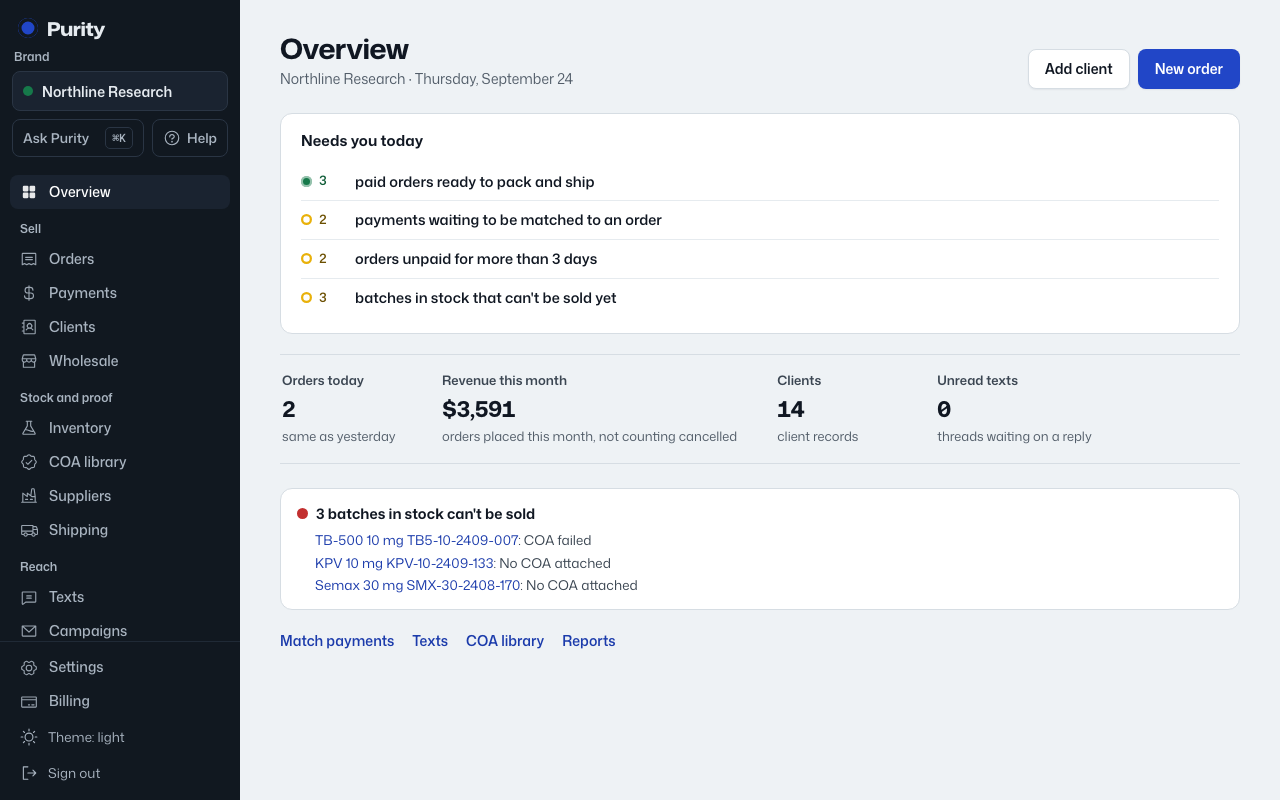
At the top, "of paid orders can’t ship" shows the dollars customers have paid for orders that cannot go out yet. Next to it, "ready to pack and ship" counts paid orders you can send now.
Below that, items are grouped in three levels, worst first. Inside a level, the ones with the most money waiting and the most overdue come first.
| Level | What goes there |
|---|---|
| Blocked | Paid orders that cannot ship: a batch they need is in quarantine or on hold, or there is not enough released stock. Orders held by the same batch show as one item. |
| Late | Past one of your rules: paid but not shipped, unpaid past the due date, a payment not matched, a batch in quarantine too long or on hold, a quote not priced, a shipment with no carrier update, a purchase order past its expected date, or a notification that failed. |
| Coming up | Will be a problem soon: a lab report expiring on stock you still hold, or a product that runs out before a reorder could arrive. |
Each item has a button that opens the fix. When the problem is fixed, the item disappears on its own; there is nothing to close.
If nothing is waiting on you, it says "All clear".
Only products that have sold in the last 30 days are checked for running out, and lab report expiry is only shown for batches that still have stock.