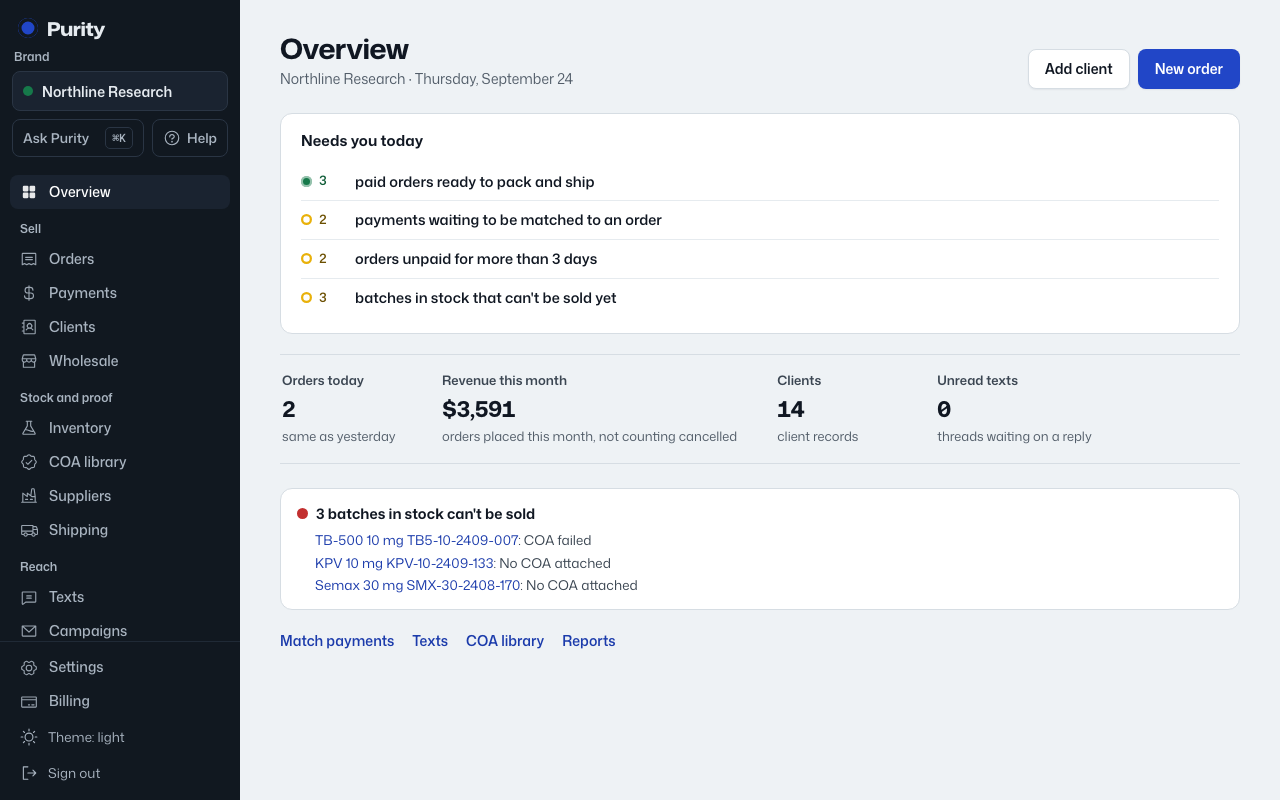
- On the Overview, find the item under "Needs you" and click "Snooze".
- Say why it can wait, for example "Waiting on the supplier".
- Pick how long: 1 day, 3 days, 1 week or 2 weeks, then click "Snooze".
Snoozed items move under "snoozed" at the bottom of the list, with the reason and the day they come back. Click "Bring back" to show one again now.
Snoozing never changes the order, batch or payment itself. If the problem is fixed while snoozed, the item simply never comes back.