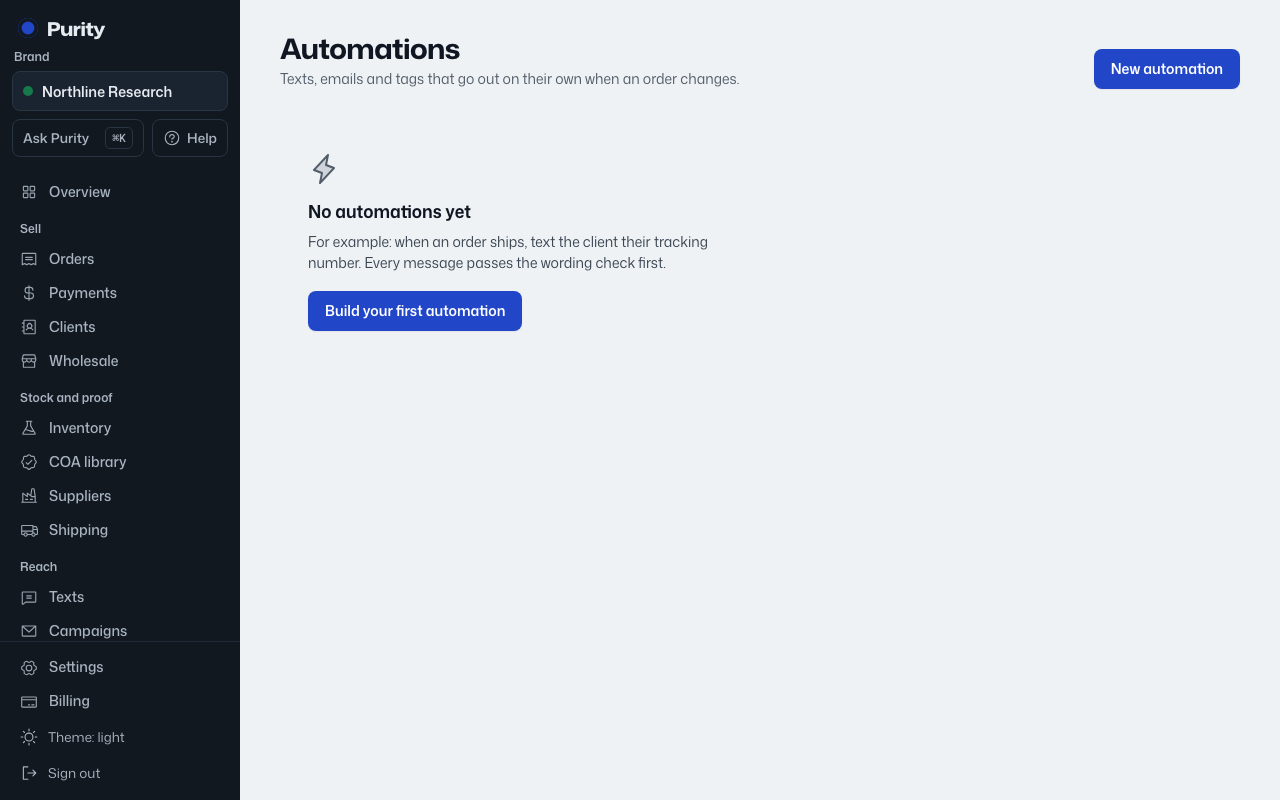
When you write a text or email action and click "Create automation", the message is checked for research-use wording.
- Blocked words stop the automation from saving at all.
- Flagged words show a reason box. Only an owner or admin can give a reason and save it anyway.
The check runs again every time the automation actually fires, using the wording as it existed when you last saved it, plus the order's real values. If a saved message is flagged and was never given an override, that run shows Failed with the reason in its detail.