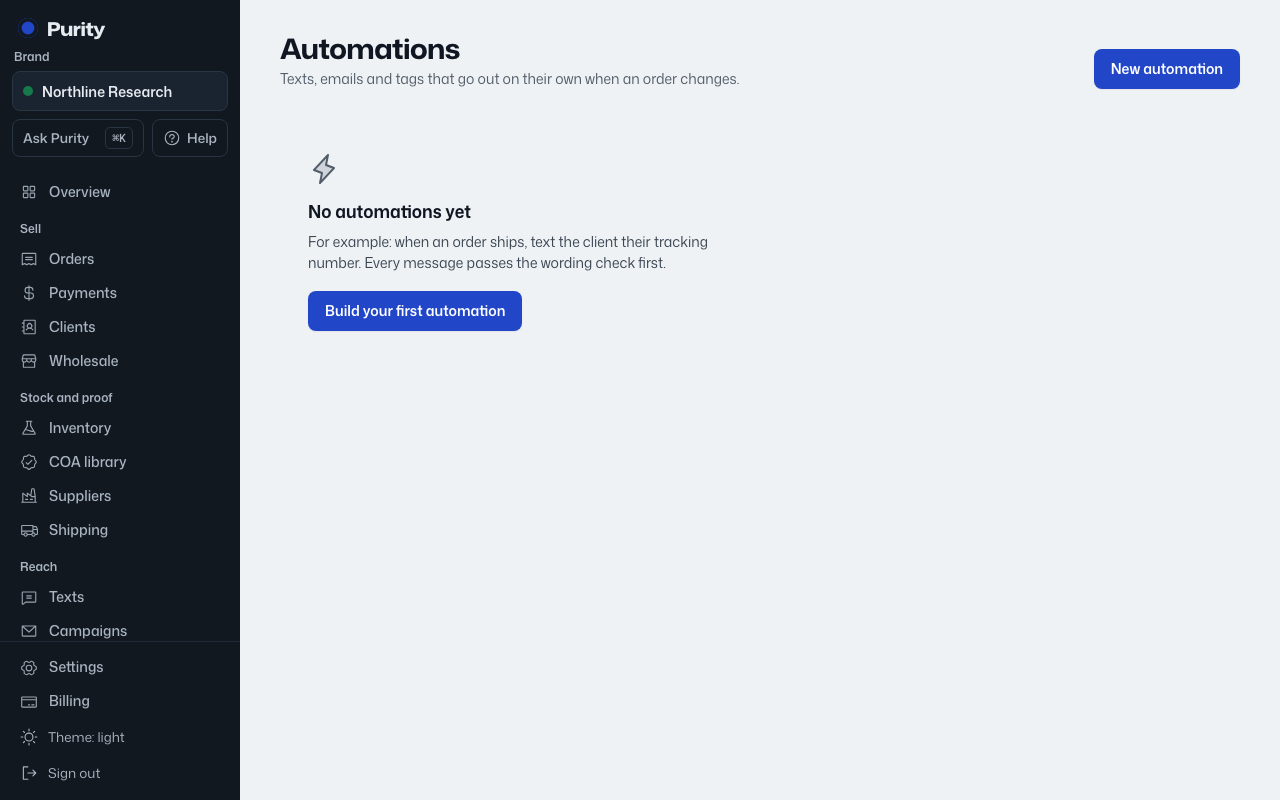
Check the "Detail" column on Recent runs on Automations for the reason.
"Skipped" means nothing was sent, but it is not an error:
- Client has no phone number, or Client has no email: the order's client has nothing to send to on that channel.
- Customer replied STOP to texts: that number opted out; texts never go around a STOP, even for order updates.
- Email address bounced or reported spam: the address is on the do-not-message list.
- Order has no client, for the tag action: there is no client record to tag.
- A tag action is skipped if the client already has that tag.
"Failed" means something went wrong:
- Not sent, wording check: the message hit a blocked word, or a flagged word without an override saved on the automation.
- Empty SMS template, or Empty email subject or body: the message had nothing to send after filling in variables.
- A provider error, for example a texting or email account not set up: the underlying error message is shown.
A failed or skipped run never blocks the order itself from moving forward.