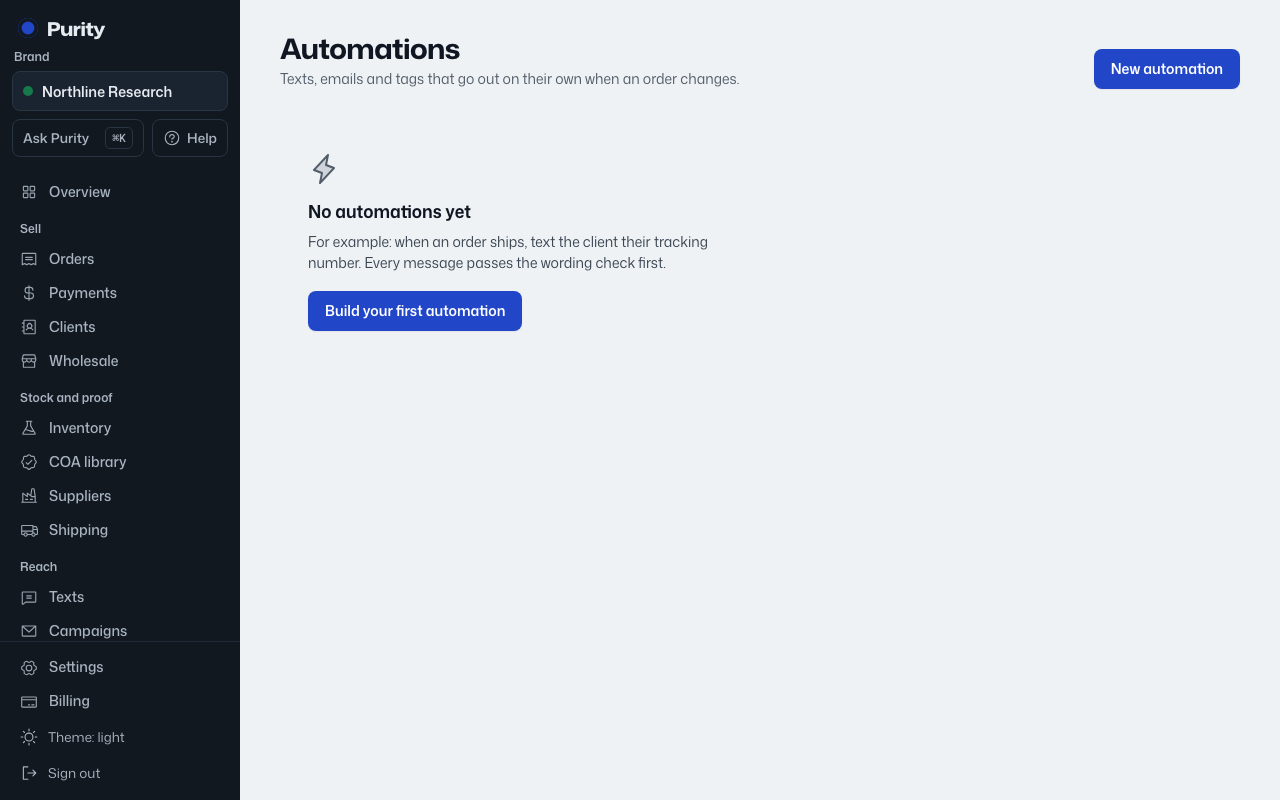
Open Automations. Each row shows its name, "When" trigger, "Then" action, and status: "Active" or "Paused".
Click "Pause" to stop it from firing, or "Resume" to turn it back on. Only active automations fire when their trigger happens.
"Recent runs" below the list shows the last 15 times any automation fired: the automation name, result, a short detail, and when. Results are "Done", "Failed" or "Skipped".
Click "Edit" on a row to change its name, trigger, action or message. See Edit an automation.