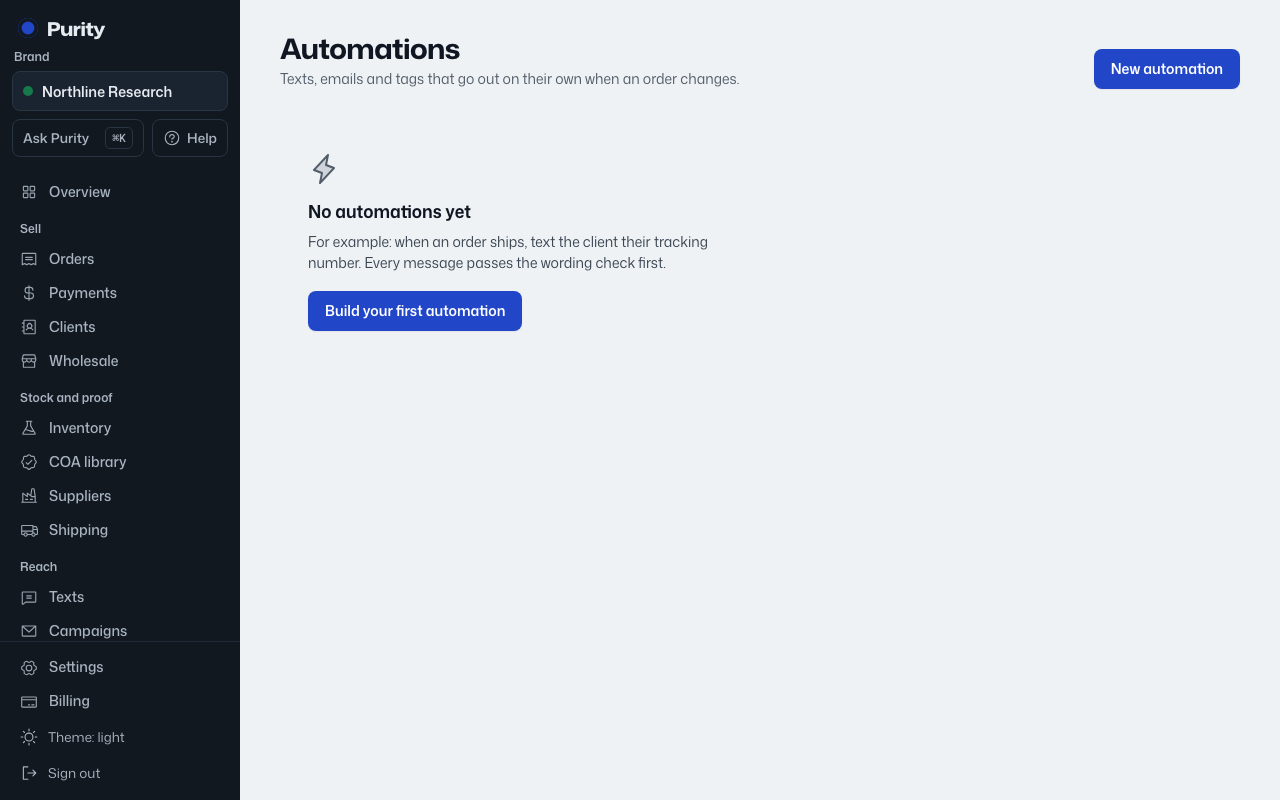
- Open Automations.
- Click "Edit" on the automation's row.
- Change the name, "When", "Then" or the message.
- Click "Save changes".
A changed message is checked for wording again. A reason given for flagged wording in the old message does not carry over to new wording. Changes apply the next time it runs; a paused automation stays paused.