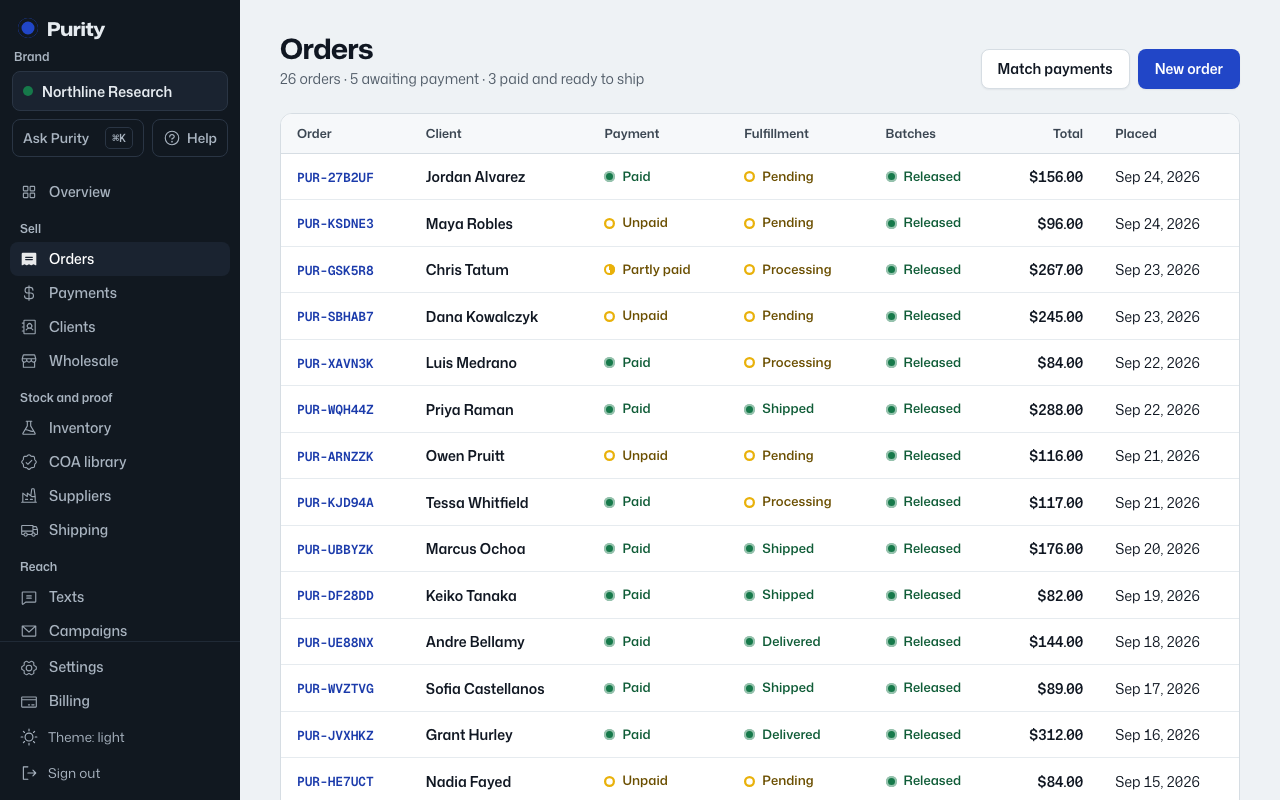
Open Orders to see every order, newest first, up to the latest 100.
- Order: the payment code, or a short ID if it has none yet. Click it to open the order.
- Client: who placed it, or "Guest".
- Payment: Unpaid, Partly paid, Paid, Overpaid, Refunded or Expired.
- Fulfillment: Pending, Processing, Shipped, Delivered or Cancelled.
- Batches: Released, Quarantine or On hold, or "No batch" if none is assigned yet.
- Total and when it was placed.
The page header also totals how many orders are awaiting payment and how many are paid and ready to ship.