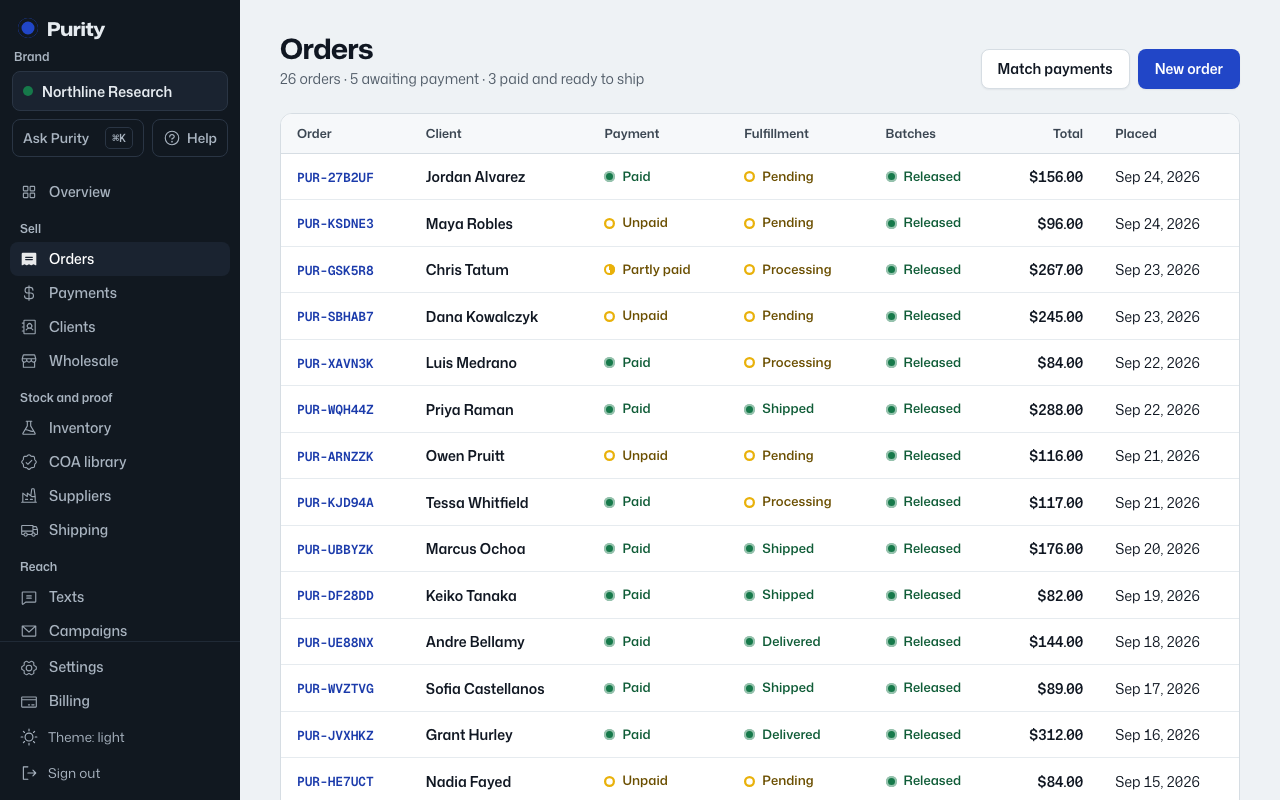
Cancel an order the same way you change any other status.
- Open the order and click the Fulfillment status button.
- Pick "Cancelled".
If the order was already Processing, the batch stock set aside for it is put back. If it was only Pending, nothing had been set aside yet.