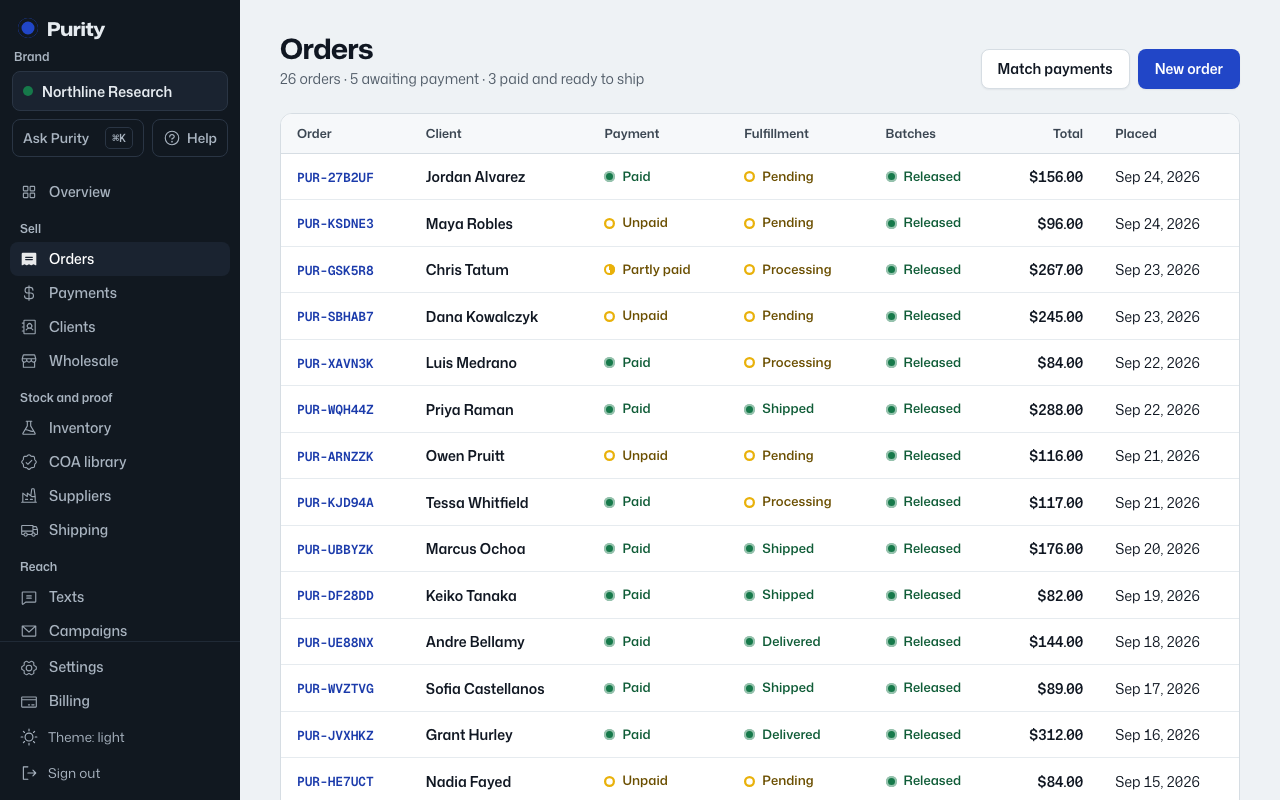
Every order has a packing slip you can print for the box.
- Open the order and click "Packing slip".
- Click "Print".
- It shows the ship-to address, each line’s batch number, and a batch-check link for each one.
- Prices show on it unless your brand has turned them off.
It also carries the line "For research use only. Not for human or veterinary use."