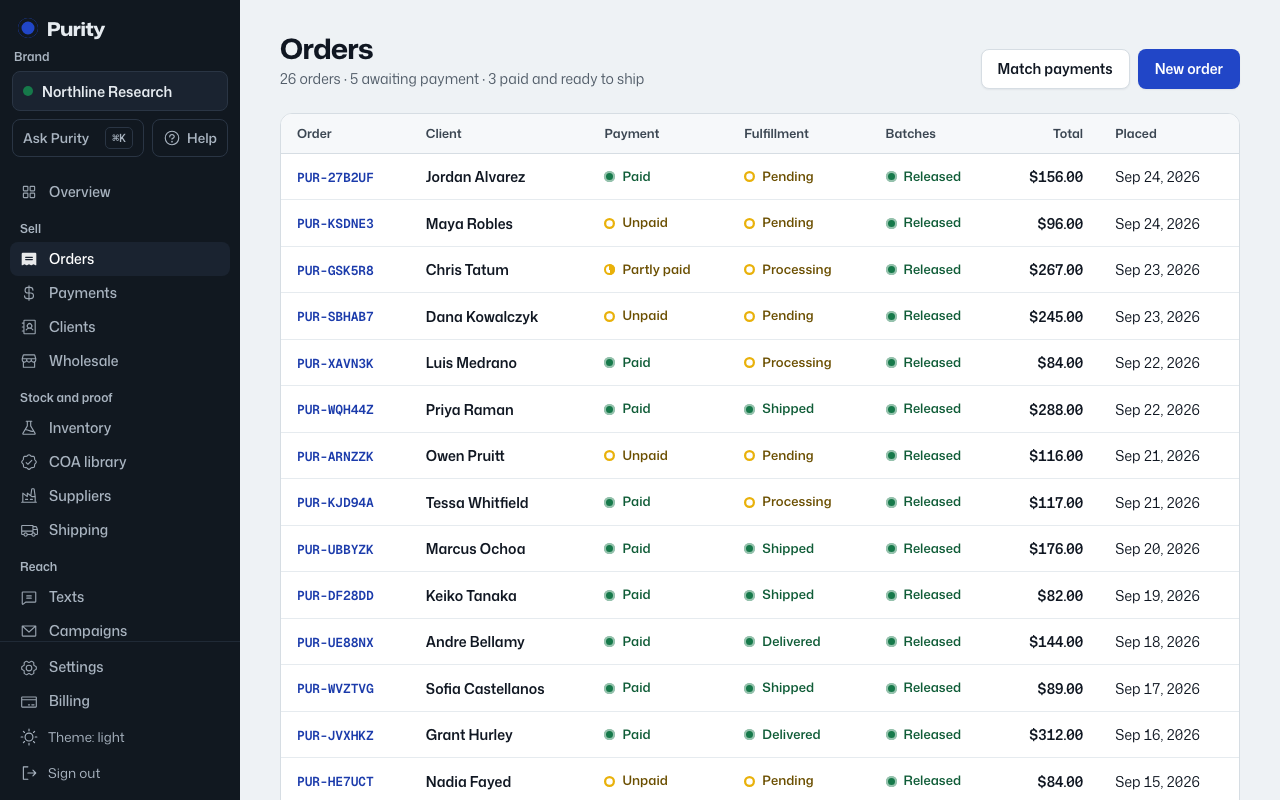
Every order has two statuses that move separately: Payment, set by what has been paid, and Fulfillment, set by you.
- Open the order from Orders.
- Click the Fulfillment status button.
- Pick Pending, Processing, Shipped, Delivered or Cancelled.
Moving an order to Processing, Shipped or Delivered sets aside stock from a released batch for each line. If there is not enough released stock, the change is blocked with an "Insufficient stock" message.