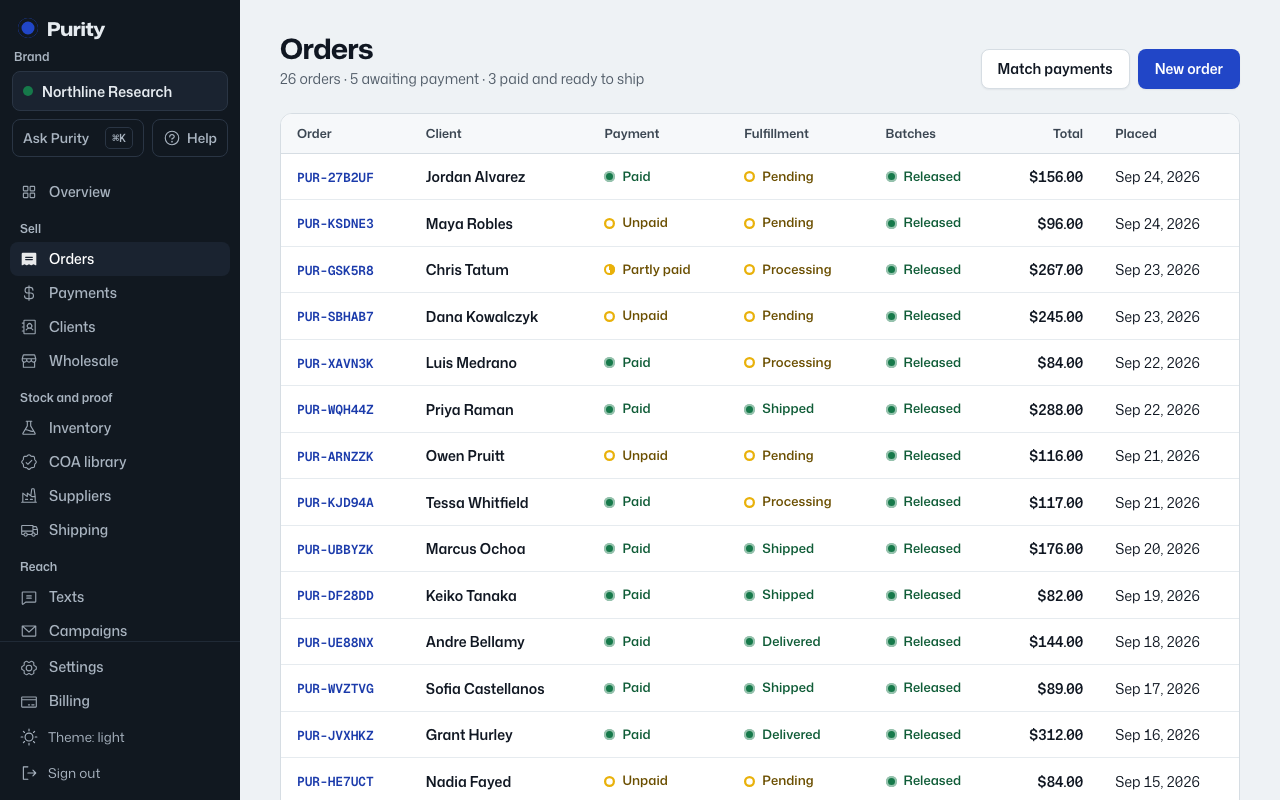
You do not pick a batch when you create an order. Purity assigns one to each line the first time the order moves to Processing, Shipped or Delivered, and only from batches that are Released.
- The batch and its release status show on each line, next to the product.
- If the batch has a certificate, its number links to the COA library.
- Once a batch is assigned, a "Buyer’s report link" appears, a link you can send the buyer to see that exact batch’s lab report.
A line shows "No batch assigned" until the order reaches Processing, or if there was not enough released stock to fill it.