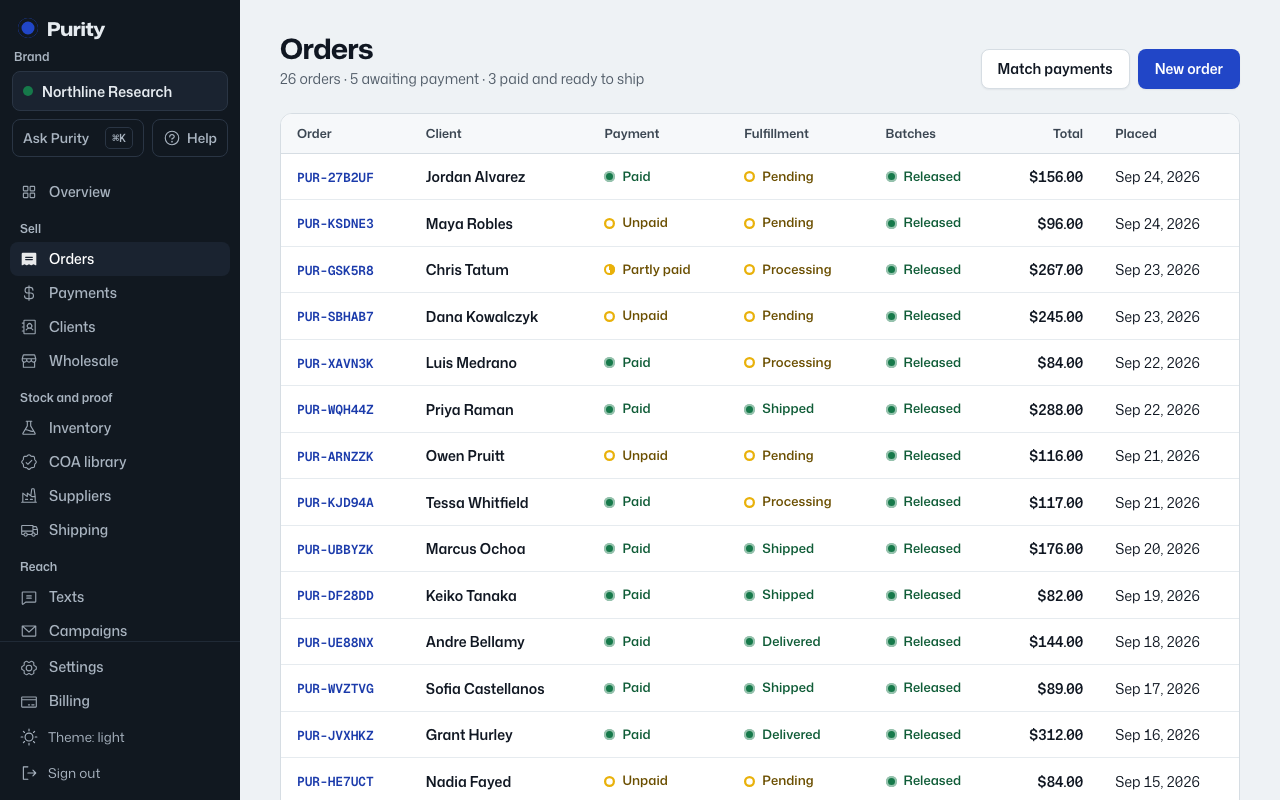
Orders from your shop, your website and accepted wholesale quotes land in Purity on their own. Use this to enter one by hand.
- Open Orders and click "New order".
- Pick a client, or leave it as "Guest, no client record".
- Set the Fulfillment status: Pending, Processing, Shipped, Delivered or Cancelled.
- Pick a product for the first line, then set its quantity and unit price. Purity fills in the price from the product, but you can change it.
- Click "Add a line" for more products.
- Add any internal notes.
- Click "Create order".
The order gets its own payment code as soon as it is saved. Only released batches can be allocated to it later.