Use this when you bought the label somewhere else, like at the post office counter.
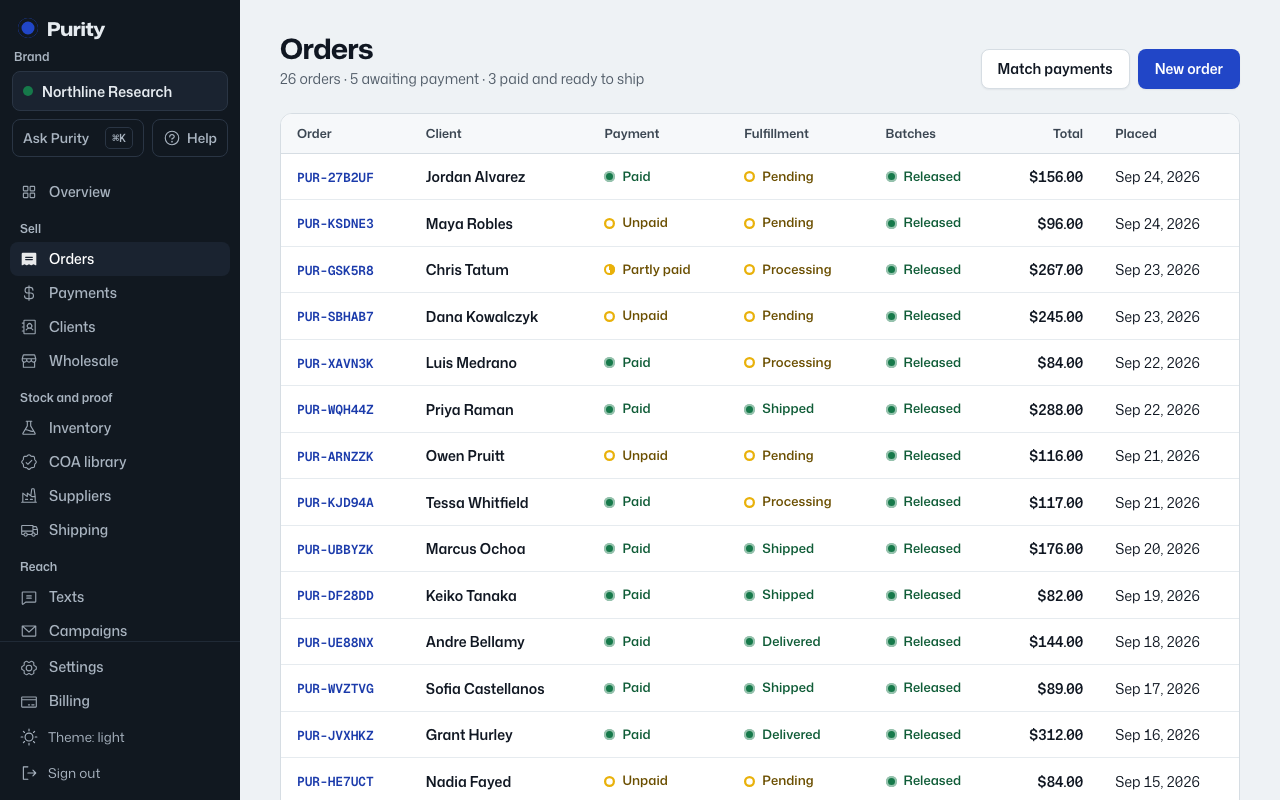
- Open the order from Orders.
- In the Shipping box, click "Shipped it yourself? Add tracking".
- Enter the tracking number.
- Click "Save and mark shipped".
This marks the order Shipped, sets aside its batches, and sends any "Order shipped" automations, so a shipping text can include the tracking number. For an order already marked Shipped with no tracking, the link says "Add tracking number" and only saves the number.