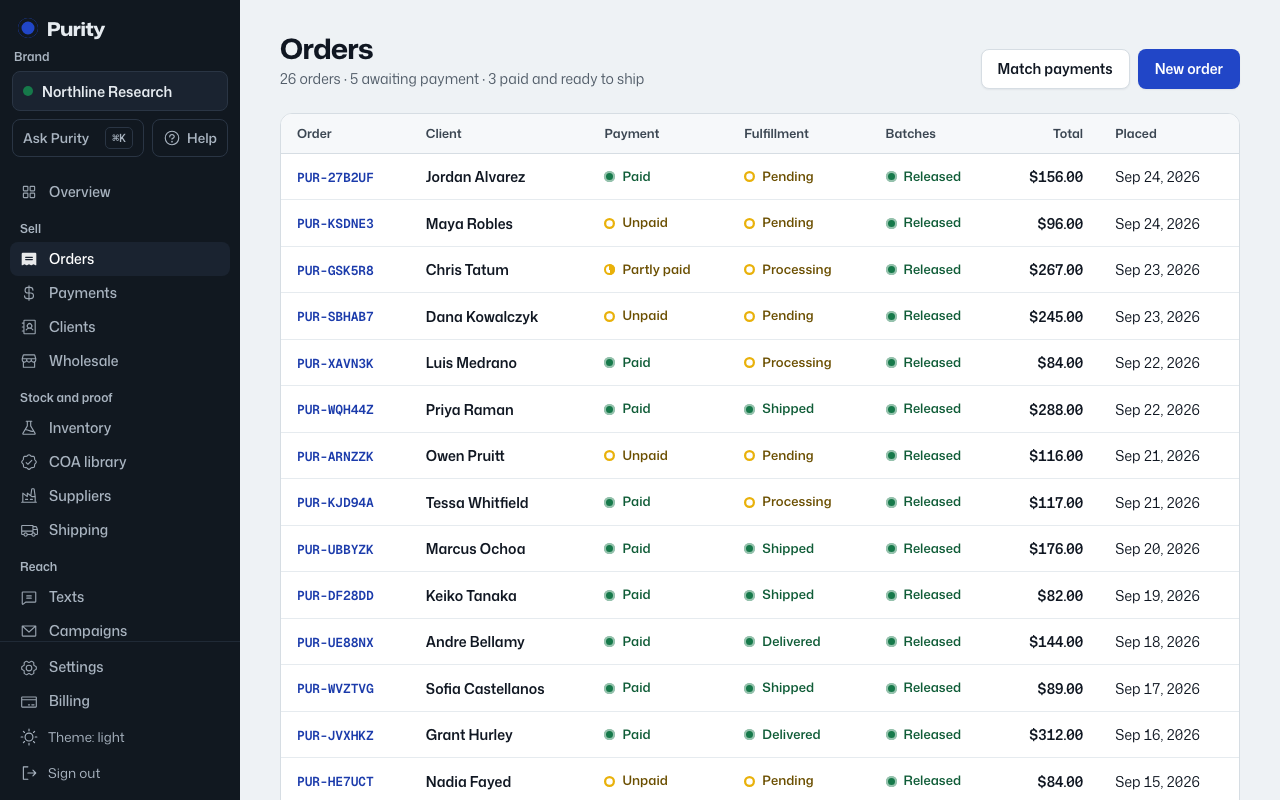
"Ship this order" appears once the order is not waiting on payment and is not already Shipped, Delivered or Cancelled.
- Open the order and click "Ship this order".
- Pick a "Ship from" address and a "Box".
- Click "Get rates".
- Pick a rate.
- Click "Buy label and mark shipped".
This sets Fulfillment to Shipped and fills in the tracking number, which then shows on the order page. If the order is not paid yet, only the owner can ship it, and has to give a reason.