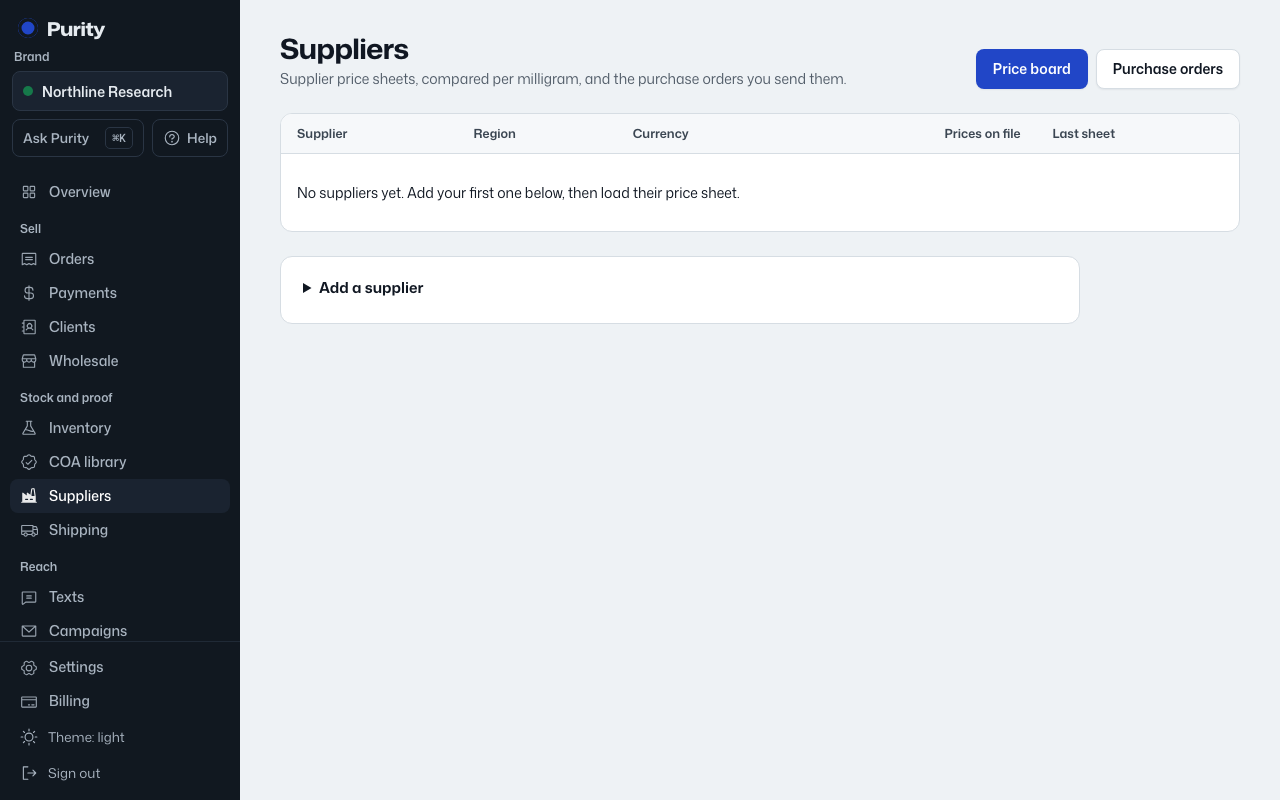
A supplier holds contact details and the currency their prices are quoted in.
- Open Suppliers and expand "Add a supplier".
- Enter their "Name". Contact person, WhatsApp, email, region and currency are optional.
- Click "Add supplier".
Currency defaults to USD. Set it to whatever the supplier actually quotes in; it's shown next to every price you load from them.