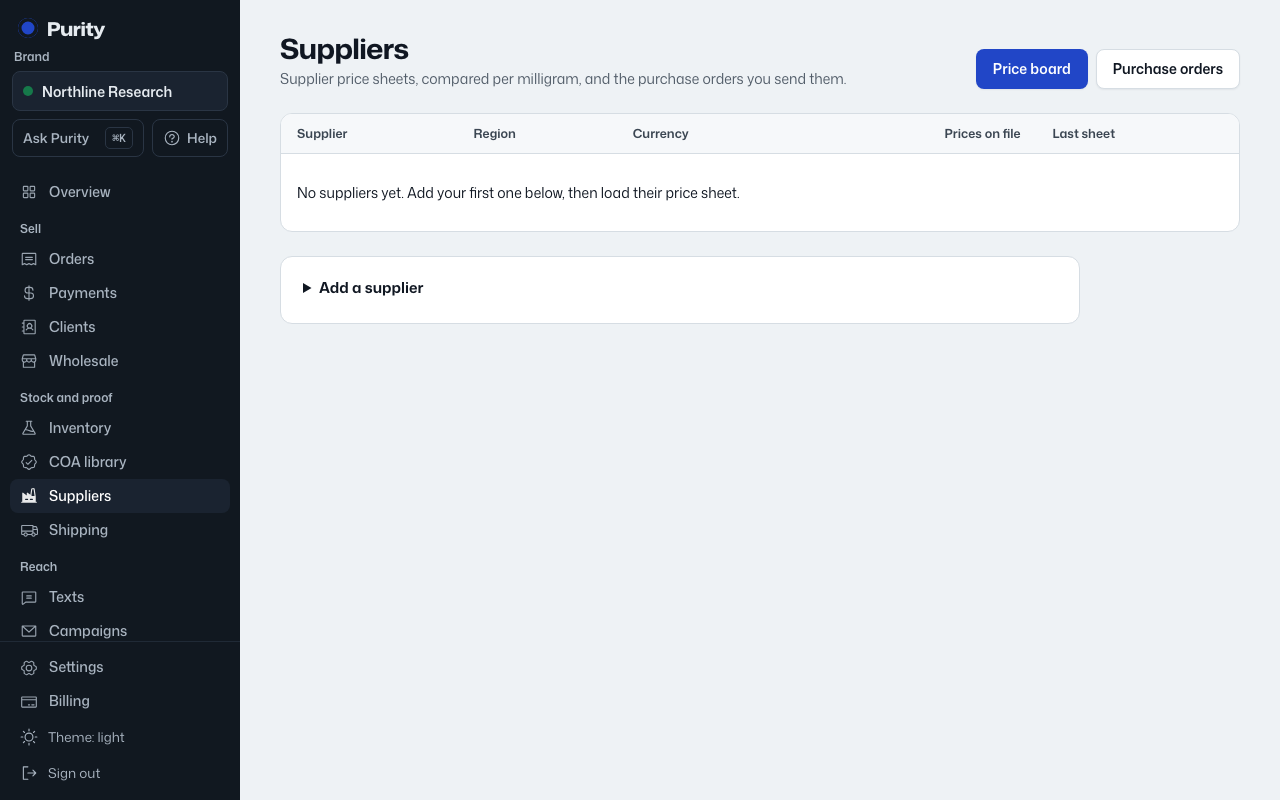
The board is also where you build purchase orders. You can pull from more than one supplier at once; Purity splits them into one order per supplier.
- Open Price board.
- Enter a vial quantity next to any price you want, from as many suppliers as you like.
- Check the running total at the bottom.
- Click "Draft purchase order" (or "Draft N purchase orders" if you picked from more than one supplier).
Each new order lands as a draft. Open it from Purchase orders to send it, add costs and eventually receive it.