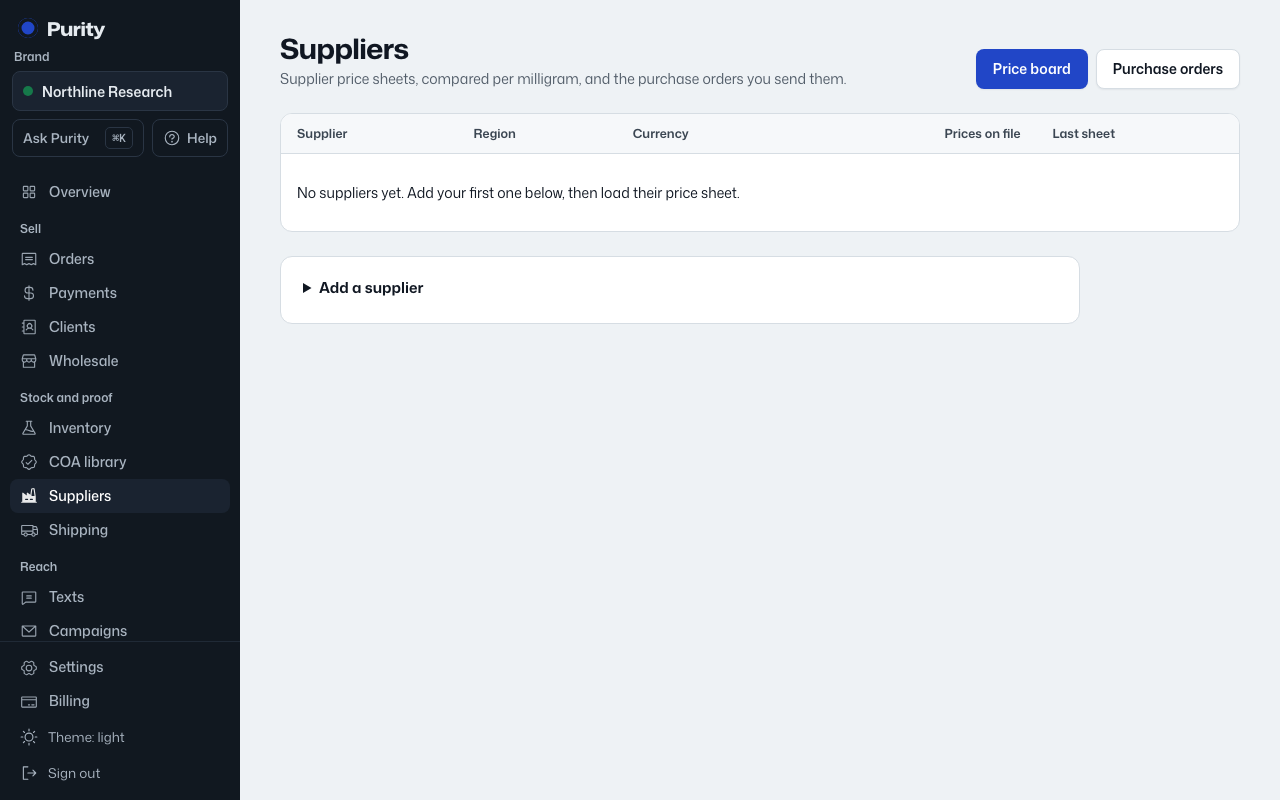
Open a supplier from Suppliers. "Balance" shows what they owe you now, with each open problem and the purchase order it came from.
- Replacement vials: receive them on the original order under "Replacement vials". They settle the shortage instead of adding to the order.
- A credit on your next order: open that order and use "Take a credit off this order".
- They sent money back: click "They refunded it" and confirm the amount.
- You're letting it go: click "Write it off" and confirm.
Click "Draft a message to the supplier" for a short note listing what they owe. Copy it into your WhatsApp or email thread; Purity doesn't send it.
Settled problems stay listed under "Settled" with how each one was settled.