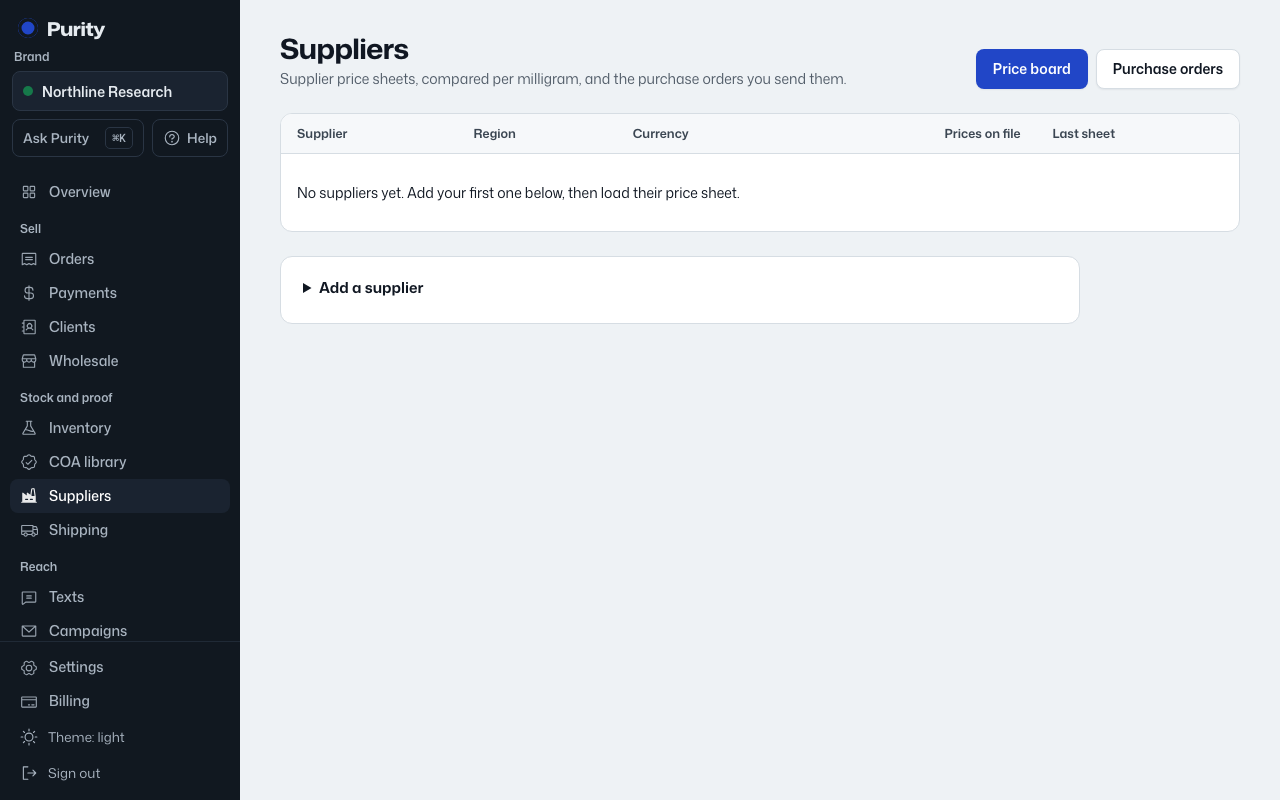
- Open the purchase order from Purchase orders.
- Under "Arrival", pick the "Expected arrival" date the supplier gave you.
- Click "Save date".
Once that date passes and the order is still sent or paid but not received, it shows as late in Needs you on the Overview, and on the purchase order itself.
Clear the date and save to stop the check.