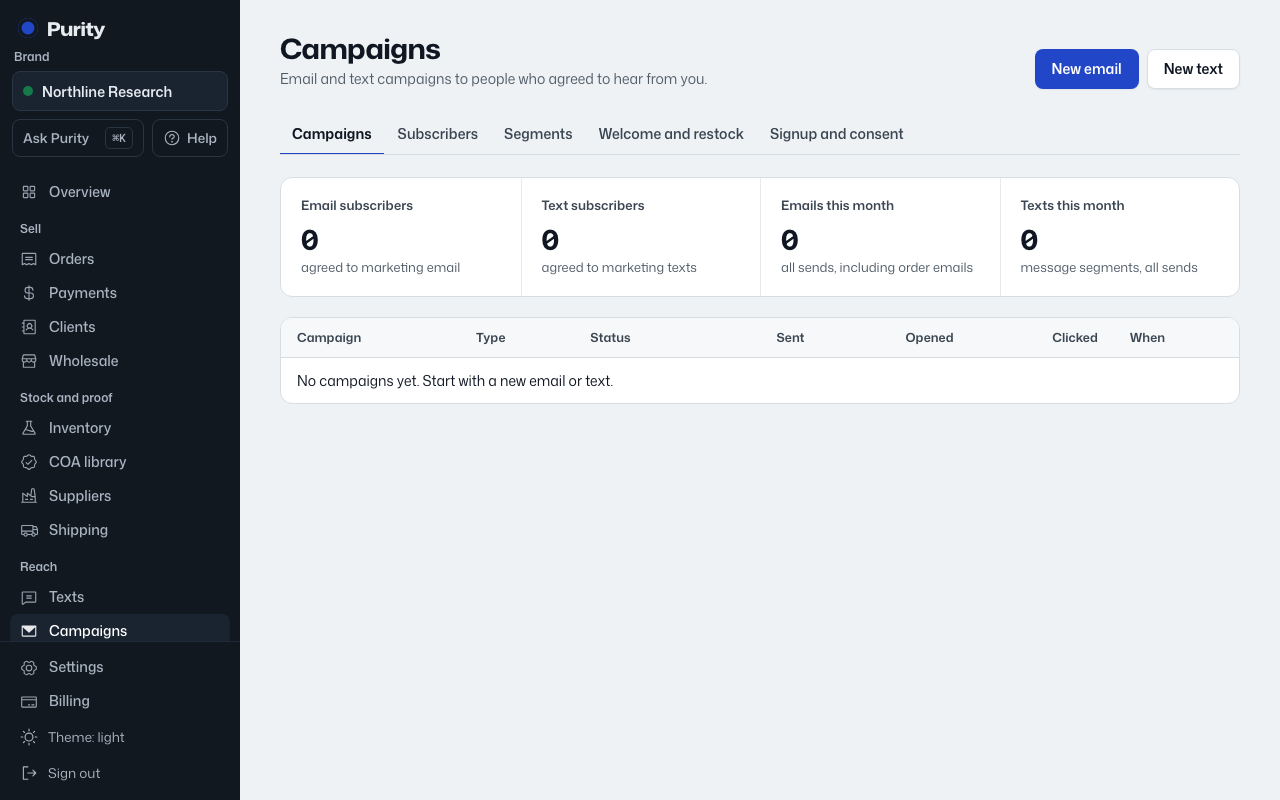
Only add people who already agreed to receive email or texts from you. Adding people who did not agree gets your number and email blocked.
- Open Subscribers.
- Under "Add someone", fill in what you have: name, email, mobile.
- Check "They agreed to marketing emails" and, or, "They agreed to marketing texts" for whichever channels they agreed to.
- Check "I confirm this person asked to hear from us".
- Click "Add".
To add a list at once, use "Import a list" (owners and admins only): upload a CSV, match its columns to email, phone, first name, last name and tags, then check the same consent boxes for everyone in the file before clicking "Import". Up to 5,000 rows at a time.
Anyone who unsubscribed before stays unsubscribed, even if they are in a new import.