Once a campaign is scheduled, sending, sent, or stopped, its page shows results instead of the editor.
- Sent is how many messages went to the provider. Any still waiting show as waiting.
- Opened and Clicked, email only, are the share of sent messages that were opened or clicked, with the raw count underneath.
- Unsubscribed counts people who unsubscribed from this send; the line under it also shows how many were skipped or failed, and bounced if any did.
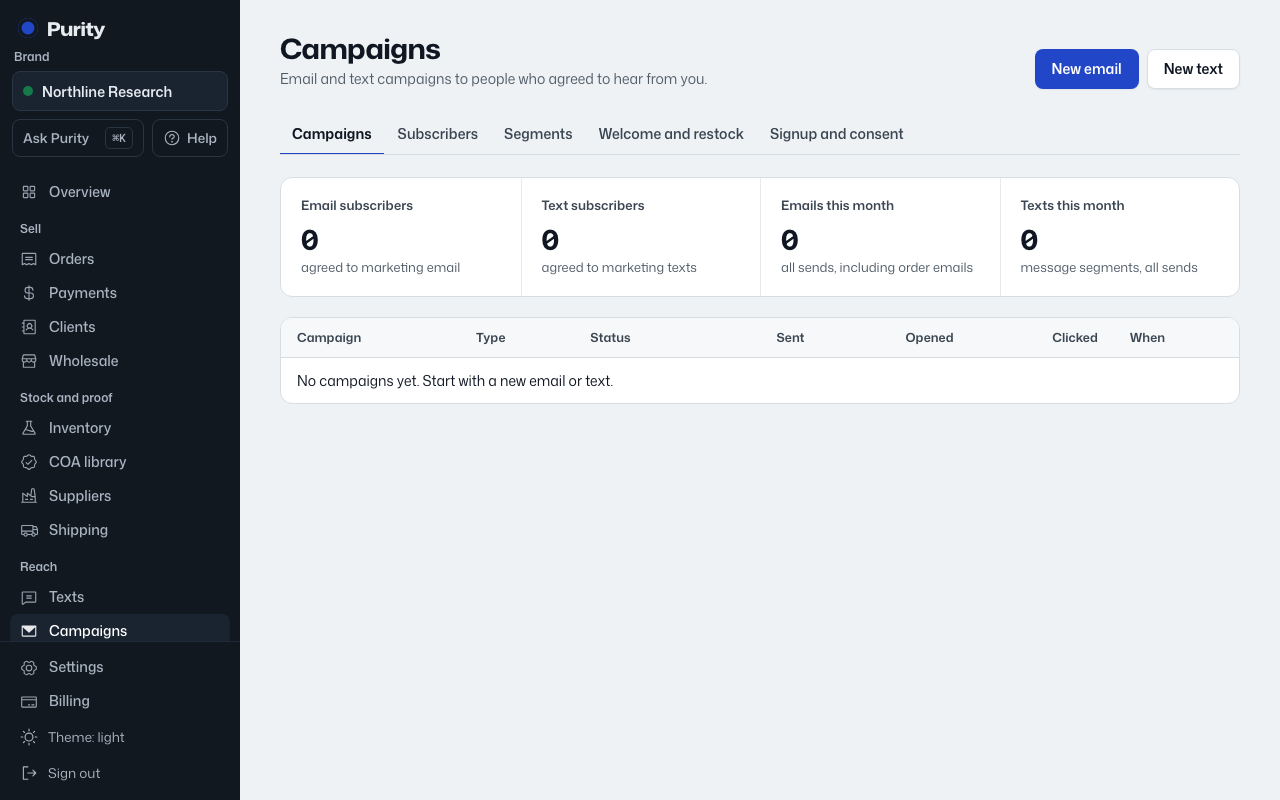
The Campaigns list shows the same status, sent, opened and clicked figures for every campaign, and how many email and text subscribers you have, plus texts and emails sent this month.
- Open the campaign from Campaigns.
- Click "Unschedule" if it has not started, or "Stop sending" if it is sending.
Messages already sent cannot be taken back. Stopping a campaign only skips the ones still queued.