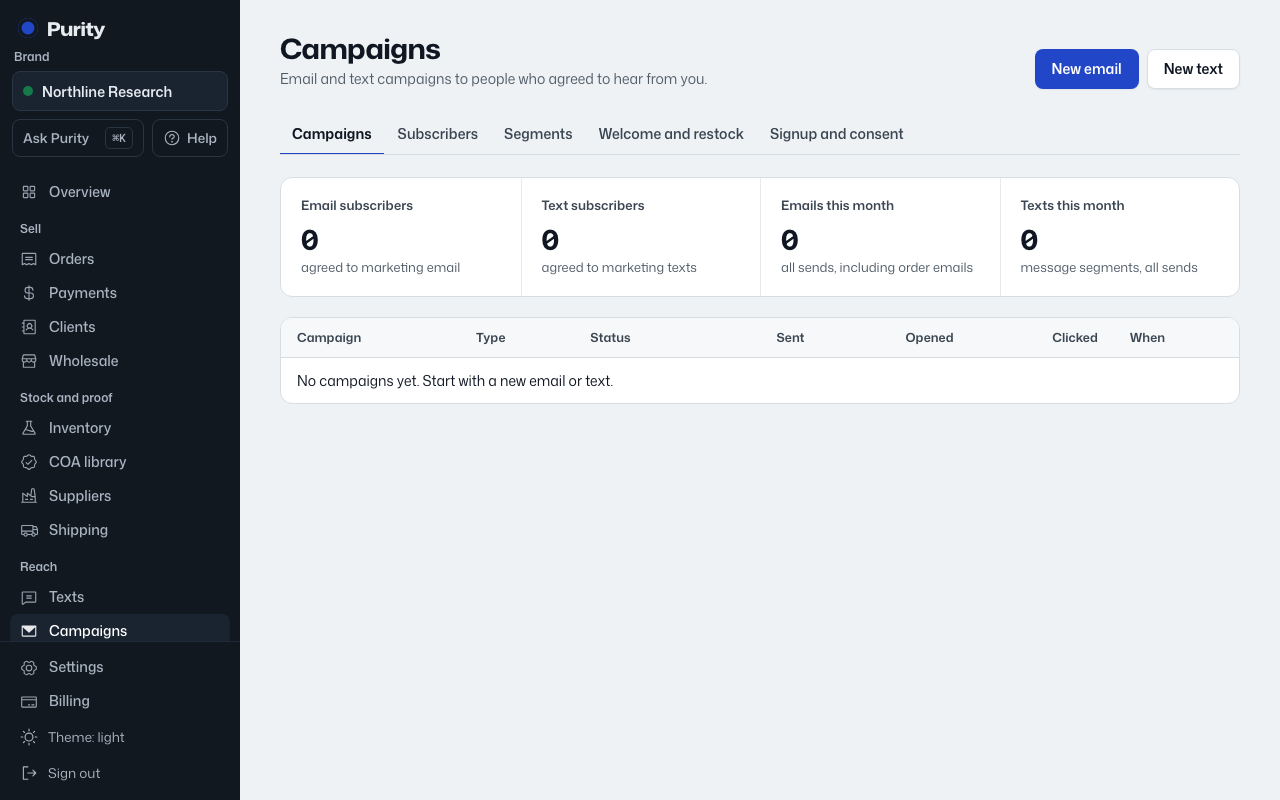
Open Welcome and restock.
Welcome series sends up to three messages to each new subscriber, timed by hours after they sign up. Turn it on, choose Send by (email or text), and write each message. Turning it on only affects people who sign up after that; it never sends to your existing list.
Back in stock sends one message when a product someone asked about has released stock again, meaning a batch with a verified COA. Use {{product}} for the product name. The page shows how many people are currently waiting, and how many alerts have gone out.
The signup form snippet for the tell-me-when-it-is-back button lives in Signup and consent.
Turning a flow on checks its wording; blocked words keep it from saving, flagged words need a reason.