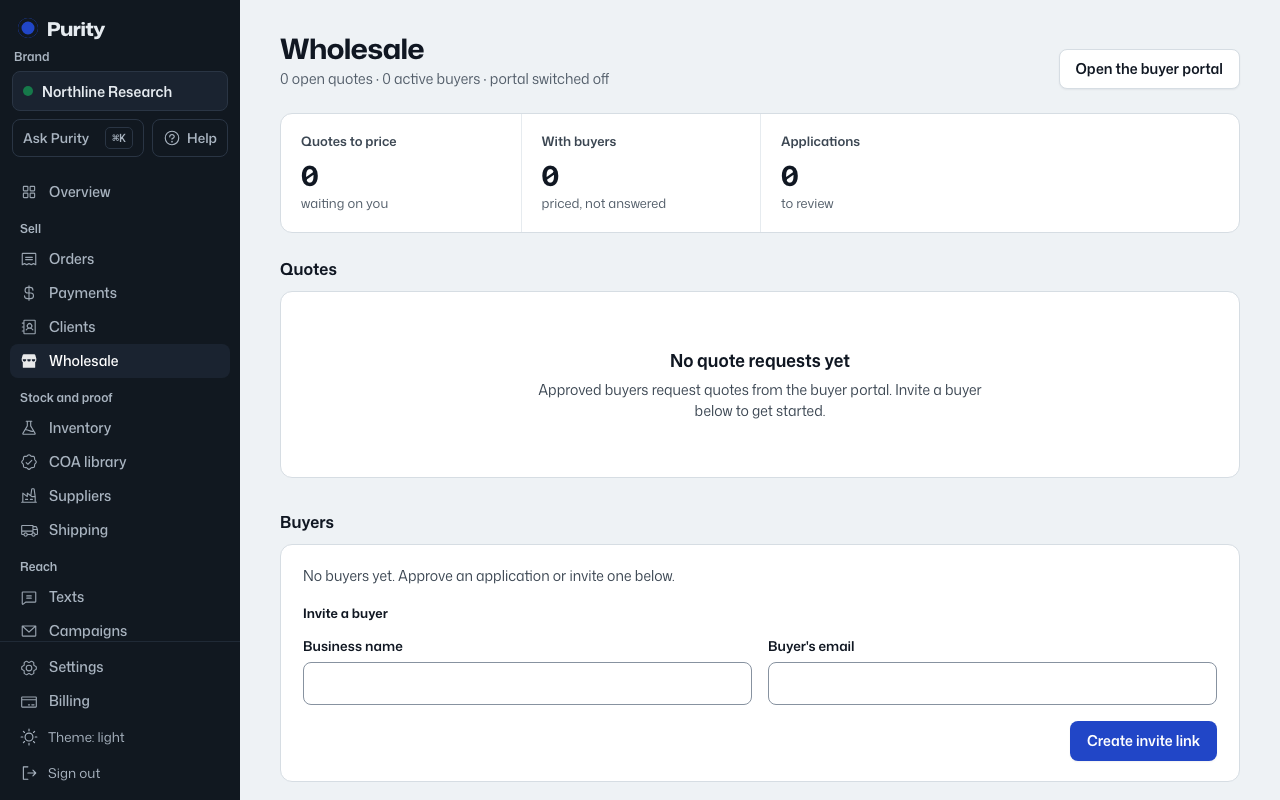
When someone applies for a wholesale account, they show up under "Applications" on the Wholesale page with their business name, contact and the date they applied.
- Open Wholesale.
- Find the business under "Applications".
- Click "Approve" to let them sign in and order, or "Decline" to turn them down.
Approving links or creates a customer record for them, but they still cannot see prices until you verify their business. On their customer page, use "Verify this buyer" and fill in "Business or institution" and, if you have it, "License number or EIN". Until then the Wholesale page shows them as "Not verified, no prices shown".