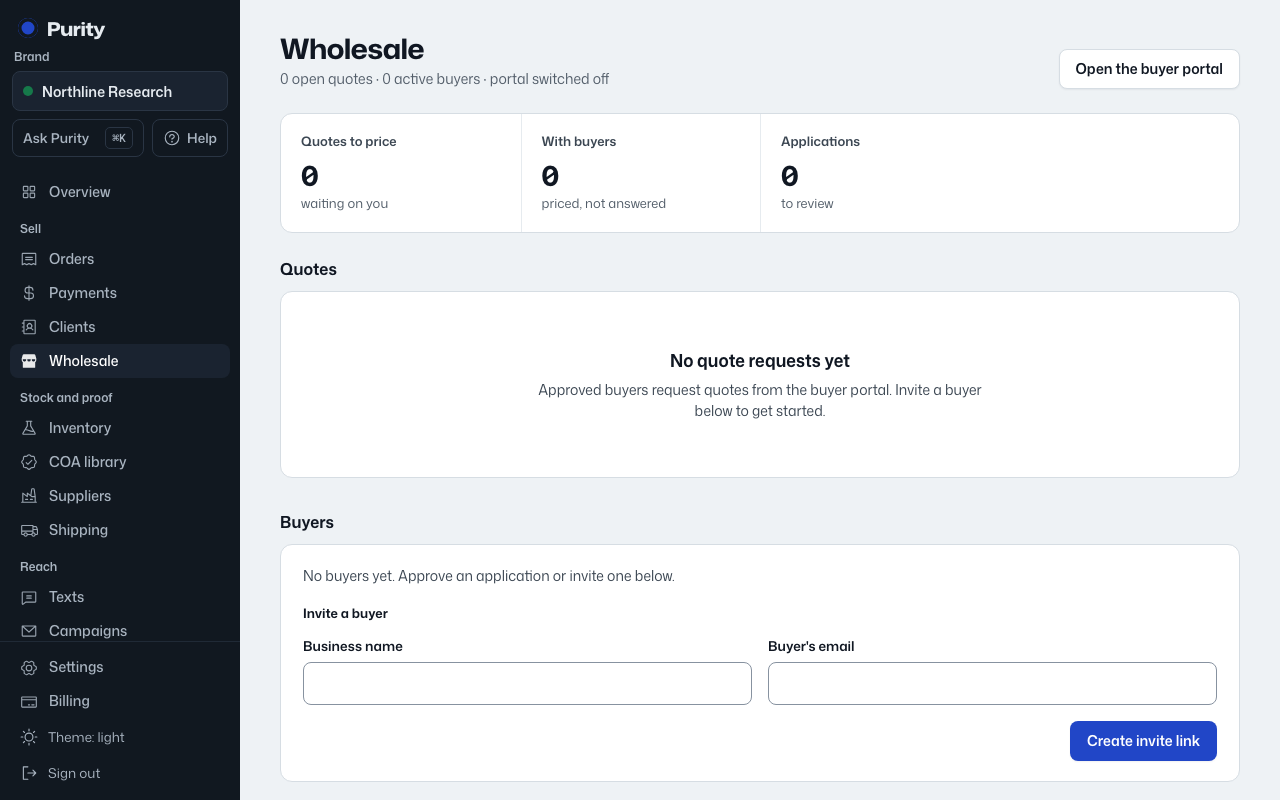
- Open Wholesale and click "Price list, notes and details" under the buyer.
- Enter their price per kit next to each product. Leave it empty to use the list price.
- Untick "Shown" to hide a product from this buyer.
- Click "Save price list".
The same page holds their contact, phone and internal notes, the quotes they have asked for, and every email Purity sent them. "Verify business" there or on the buyers list lets them see prices; it links or creates their customer record first.
Pricing a quote with "Save these prices to this buyer's price list for next time" checked fills this list in for you.