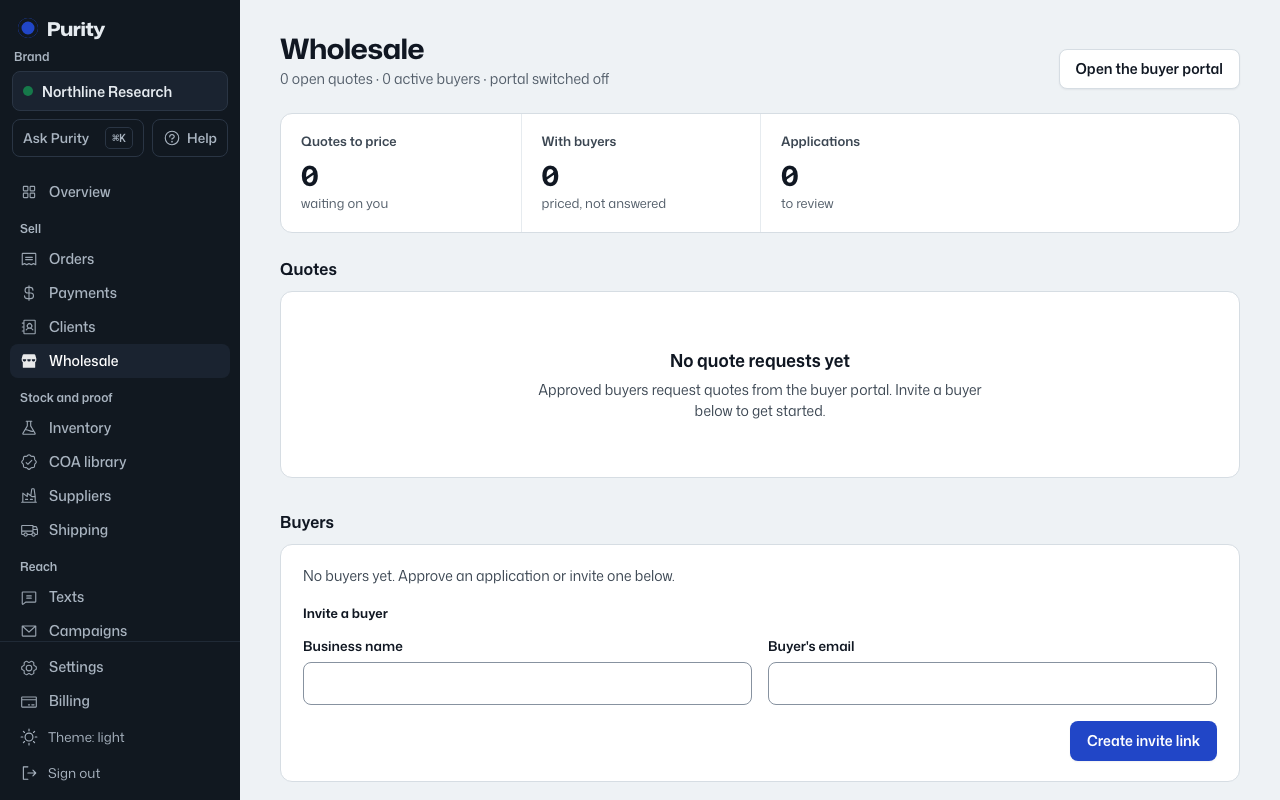
Use this when you already know who the buyer is and don't need them to apply first, or when "Anyone can apply" is turned off.
- Open Wholesale and scroll to "Invite a buyer".
- Enter their business name and email.
- Click "Create invite link".
- Copy the link and send it to them yourself. Purity does not email it for you.
The link works once, for that email, for 14 days. The buyer creates or signs in to their account, then accepts the invite to open their wholesale account.