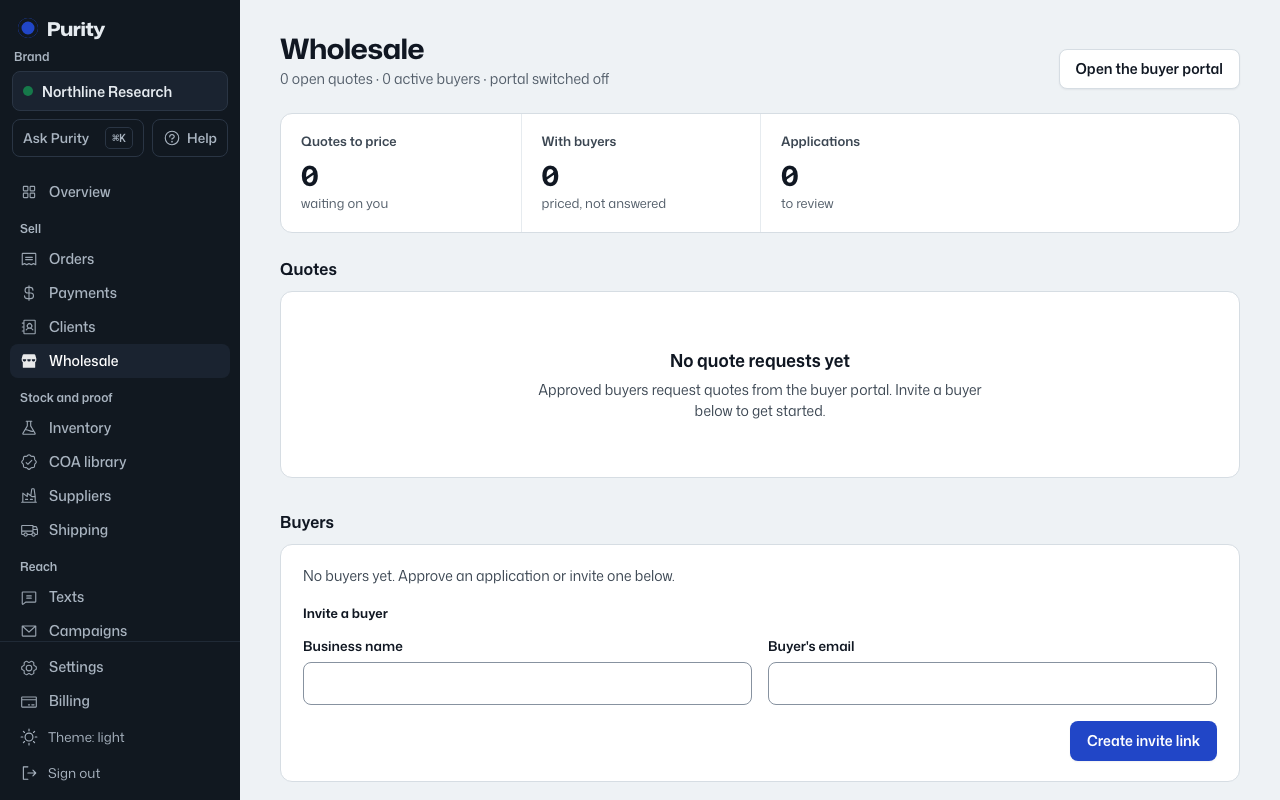
The Program section on the Wholesale page controls whether the buyer portal is open at all, and the defaults every quote uses.
- Open Wholesale and scroll to "Program".
- Check "Wholesale is open" to let buyers see the portal.
- Check "Anyone can apply" to accept open applications, or leave it unchecked to require an invite.
- Set "Minimum order ($)", "Testing fee per line ($)" and "Quotes good for (days)".
- Write the "Welcome text on the buyer portal" buyers see when they sign in.
- Click "Save".
If wholesale is switched off, the buyer portal tells visitors "Wholesale ordering isn't open right now."