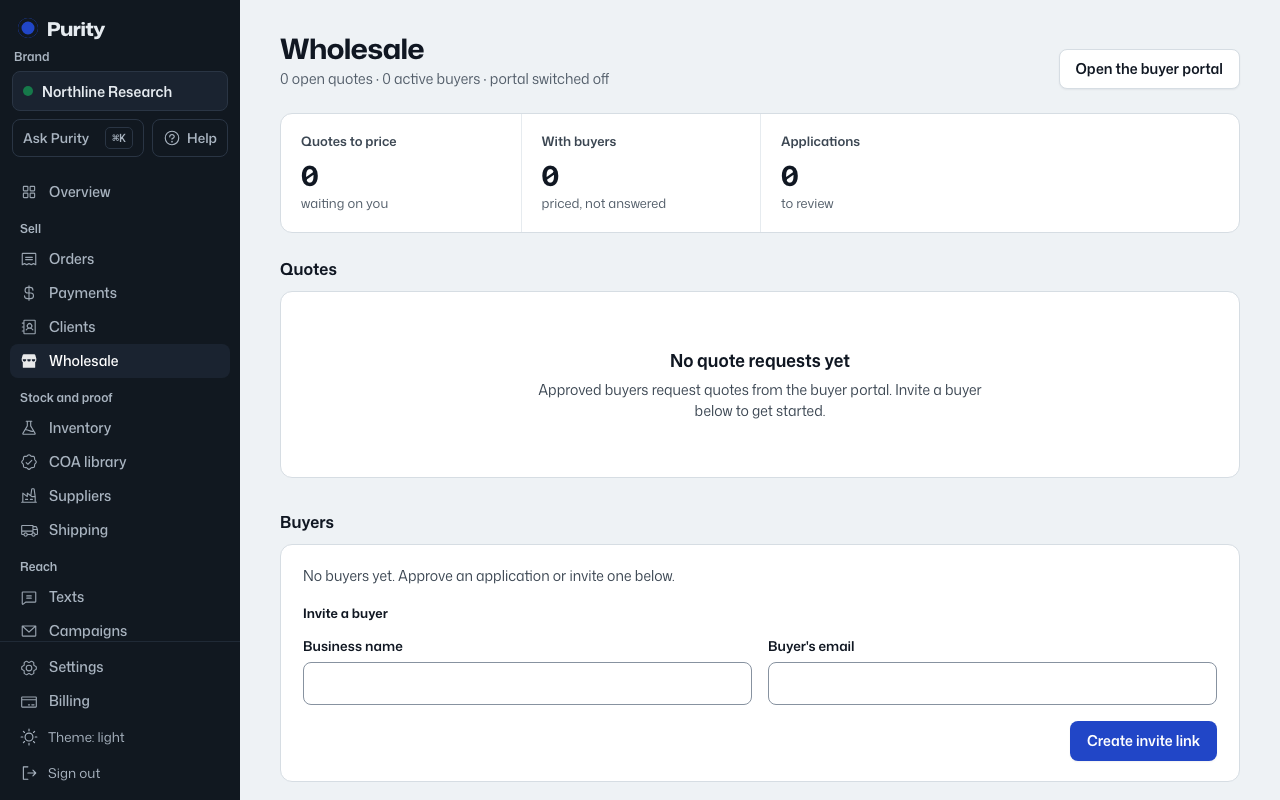
When a verified buyer requests a quote, it appears on the Wholesale page marked "Needs pricing". Open it to set a price for each line.
- Open Wholesale and click "Price it" on the quote.
- For each product, enter a "Quote price each". The list price and cost each show alongside it, and margin updates as you type.
- Check "Testing" on a line to add third-party testing to it.
- Add a "Note to the buyer" if you want, and set how many days the quote is "Good for".
- Click "Send quote to buyer".
A margin under 20% is highlighted so you notice it before sending. Cost each is blank when the batch has no unit cost recorded.
The quote stays open for the buyer to accept until it expires or you withdraw it. If they accept, it becomes an order with the same payment code and payment tracking as any other order.