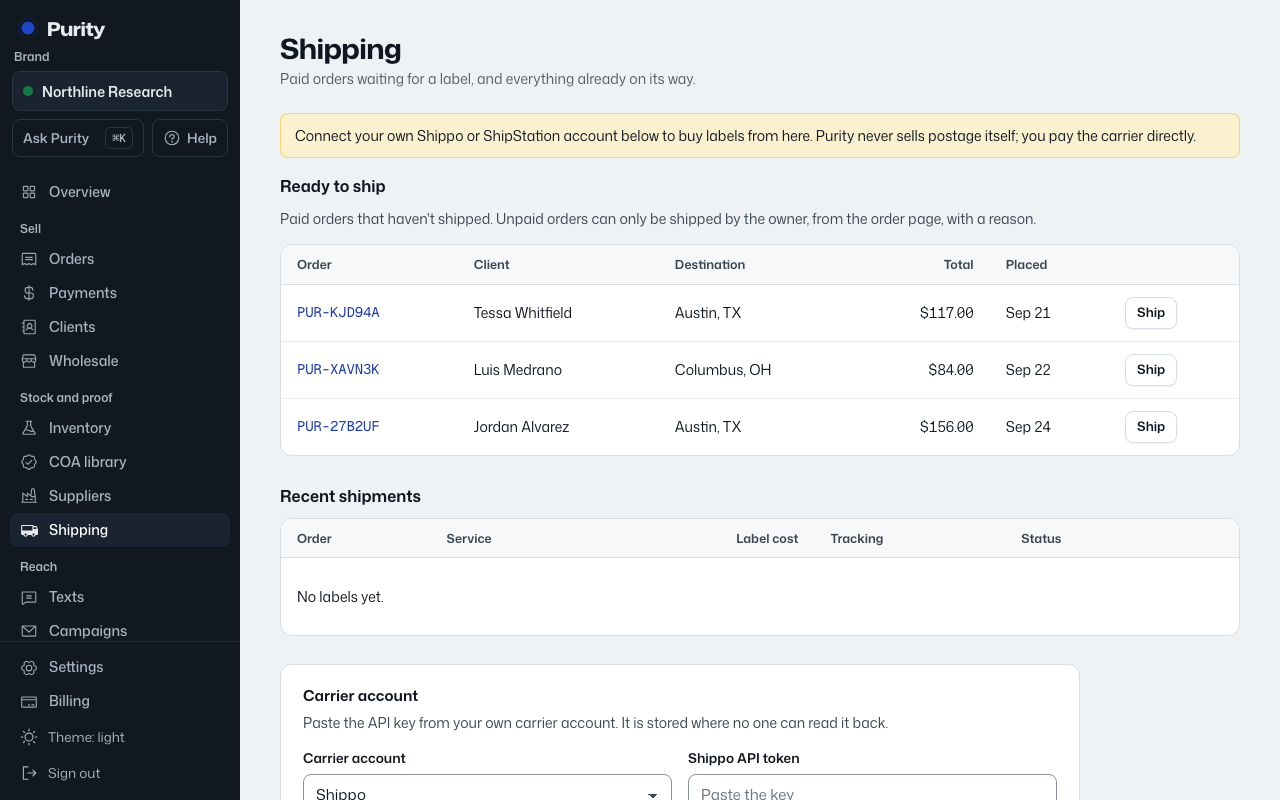
You need at least one ship-from address and one box size before you can get rates for an order.
- Open Shipping and open "Add an address" under "Ship-from addresses".
- Fill in the name on the label, street, city, two-letter state and ZIP.
- Check "Use this address by default" if this is the one you'll use most.
- Click "Add address".
- Do the same under "Box sizes": open "Add a box size", enter length, width and height in inches and weight in ounces, and click "Add box size".
Click "Remove" next to an address or box you no longer use.