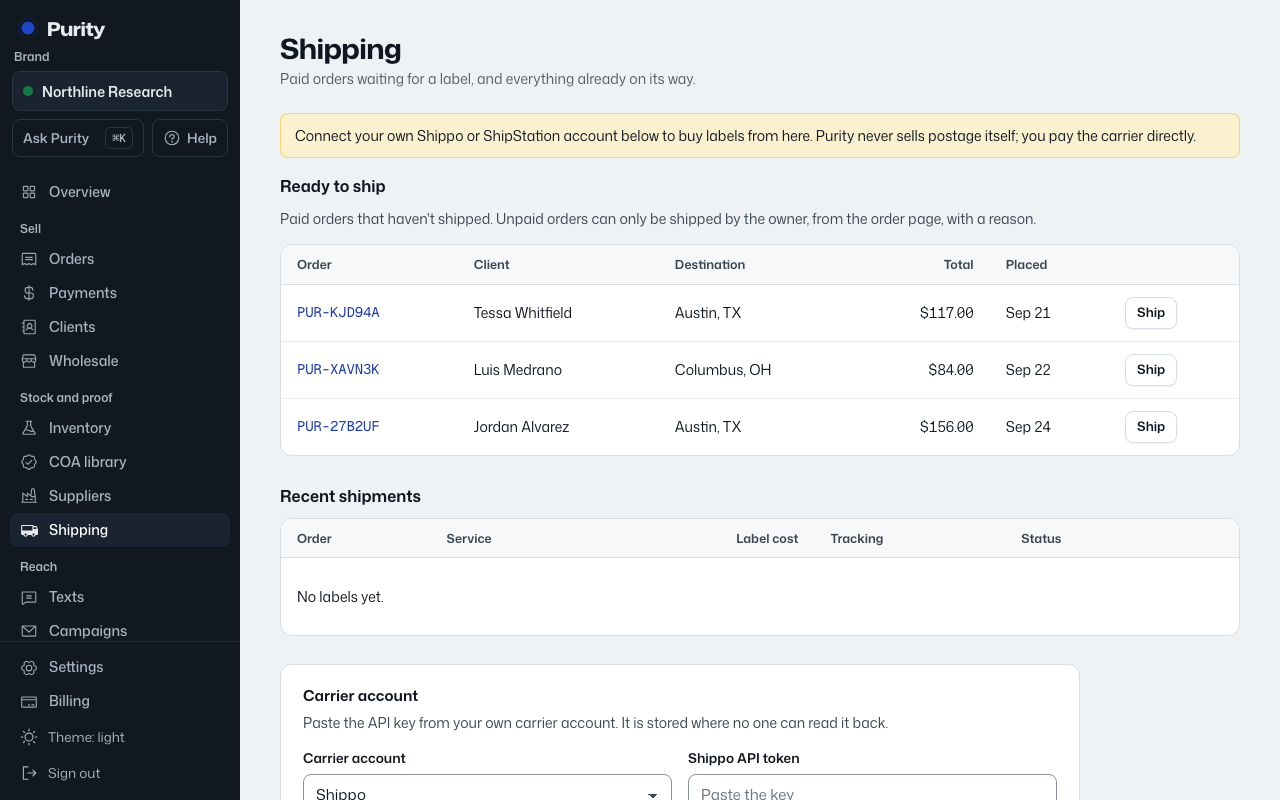
Once a label is bought, Purity can pick up delivery status straight from the carrier if you give the carrier a tracking address to call.
- Open Shipping and scroll to "Delivery updates".
- Click "Create a new tracking address".
- Paste the address it shows you into your carrier account's tracking webhook setting. It is shown only once.
Making a new tracking address stops the old one from working. ShipStation does not report deliveries, so orders shipped through it stay marked "shipped" instead of moving to "delivered".