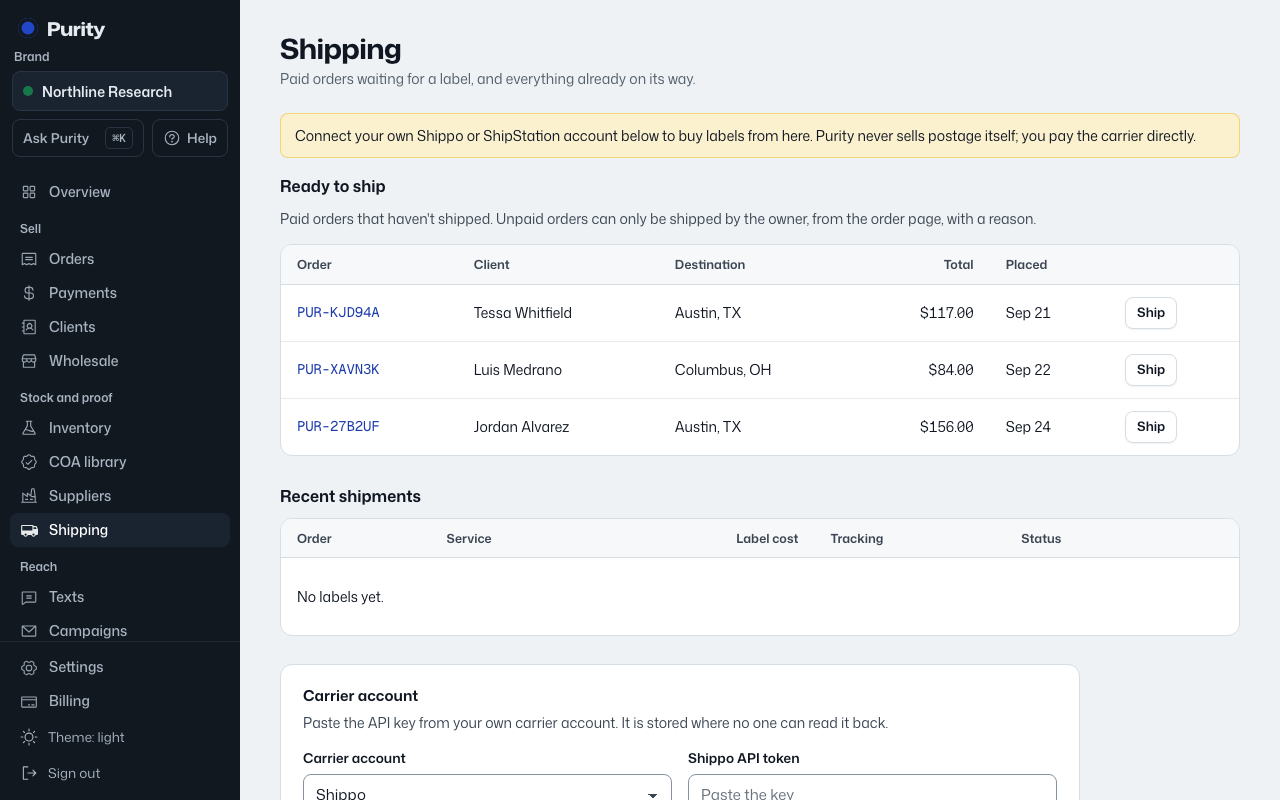
Open Shipping and find the Sendle card. Choose "I have an account" to connect, or "I need an account" to sign up in a new tab.
- Sign in to Sendle and open Settings, then API.
- Enable API access and accept the API terms if prompted.
- Copy your Sendle ID and API key into the separate fields here.
- Use production credentials. Sandbox credentials do not buy real labels.
- Return to Purity, paste your credentials, and choose "Save carrier".
If you signed up in another tab, choose "Connect it now" when you return. Purity may earn a referral payment through signup links.
Sendle requires current API access and real sender contact details. Verify service availability with Sendle before using it. International customs declarations must be completed in Sendle.
Your account pays label costs directly. Keep enough funds available and use production credentials for real shipments.