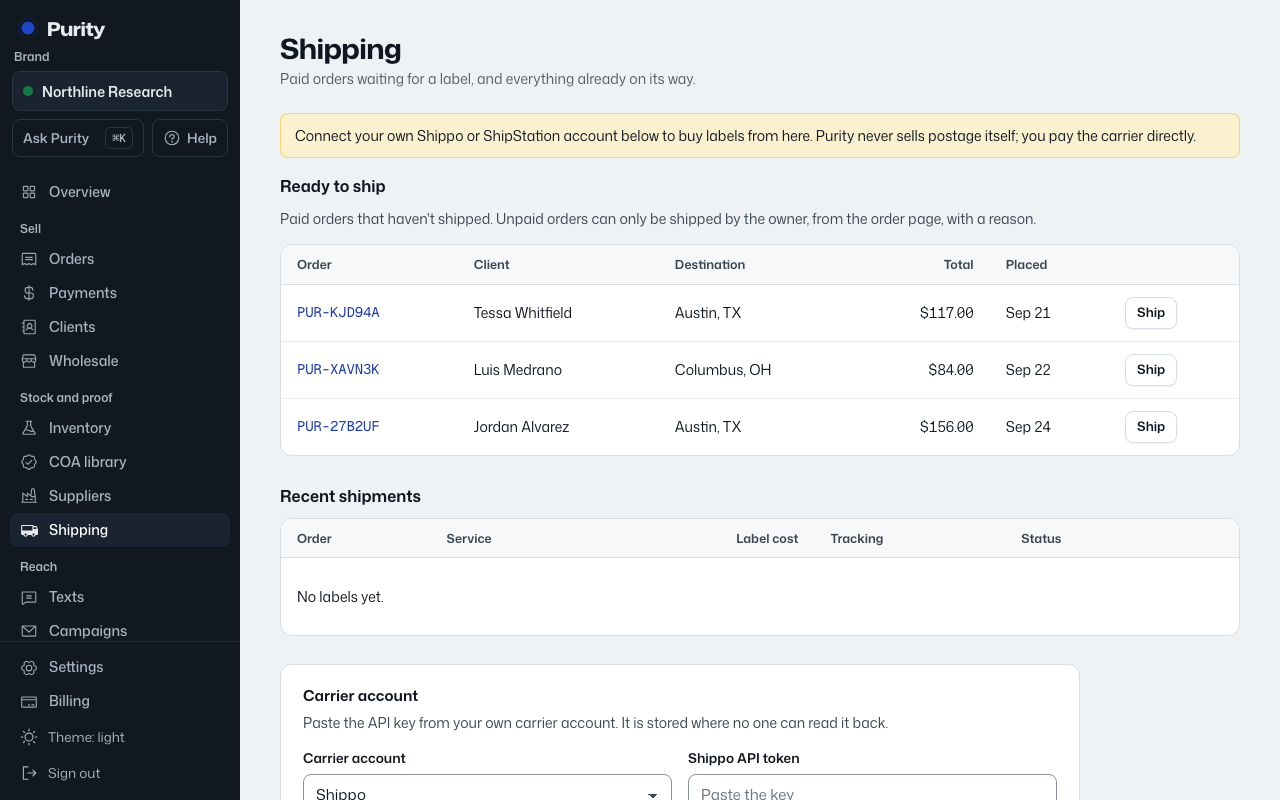
Paid orders that haven't shipped yet show up under "Ready to ship" on the Shipping page.
- Open Shipping and click "Ship" next to the order, or open it directly at its ship page.
- Choose "Ship from" and "Box", then click "Get rates".
- Pick a rate from the list.
- Click "Buy label and mark shipped".
Buying the label marks the order shipped and gives it a tracking number. Recent shipments, their carrier, cost, tracking and status all show further down the Shipping page, with a "Label" link to the PDF.
Click "Get new rates" if you change the address or box after already getting rates once.