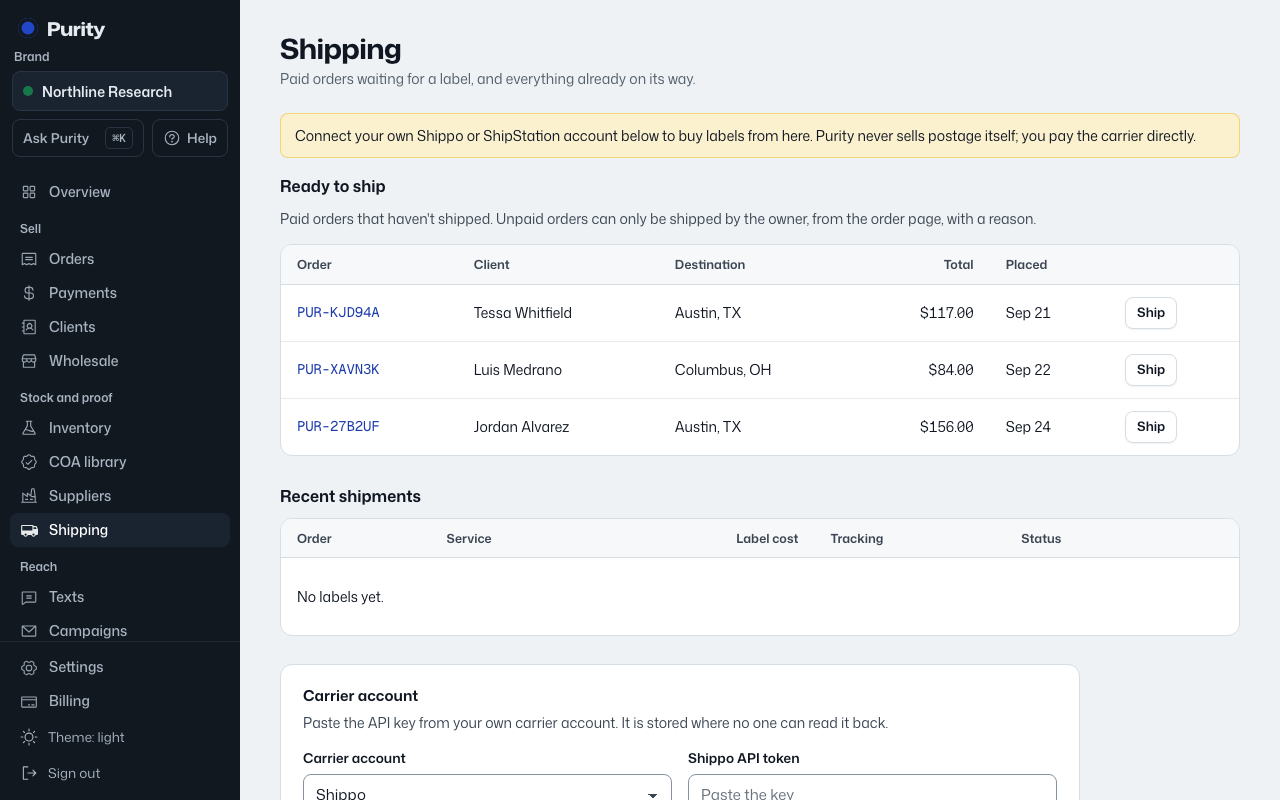
Open Shipping and find the Easyship card. Choose "I have an account" to connect, or "I need an account" to sign up in a new tab.
- Sign in to Easyship and open APIs & Webhooks.
- Create an API Connection, or open an existing one.
- Enable public.rate:read, public.shipment:read, public.shipment:write, public.label:write and public.track:read. Rates may need advanced scopes.
- Copy the production API token and paste it here. Add funds in Easyship before buying labels.
- Return to Purity, paste your credentials, and choose "Save carrier".
If you signed up in another tab, choose "Connect it now" when you return. Purity may earn a referral payment through signup links.
When "Sign in with" is available, you can use it instead of pasting a key. Approve access on the platform and you will return to Purity connected.
Enable all five scopes in the guide, including advanced rate access. Purity sends the order items for domestic shipments. International customs declarations must be completed in Easyship.
Your account pays label costs directly. Keep enough funds available and use production credentials for real shipments.