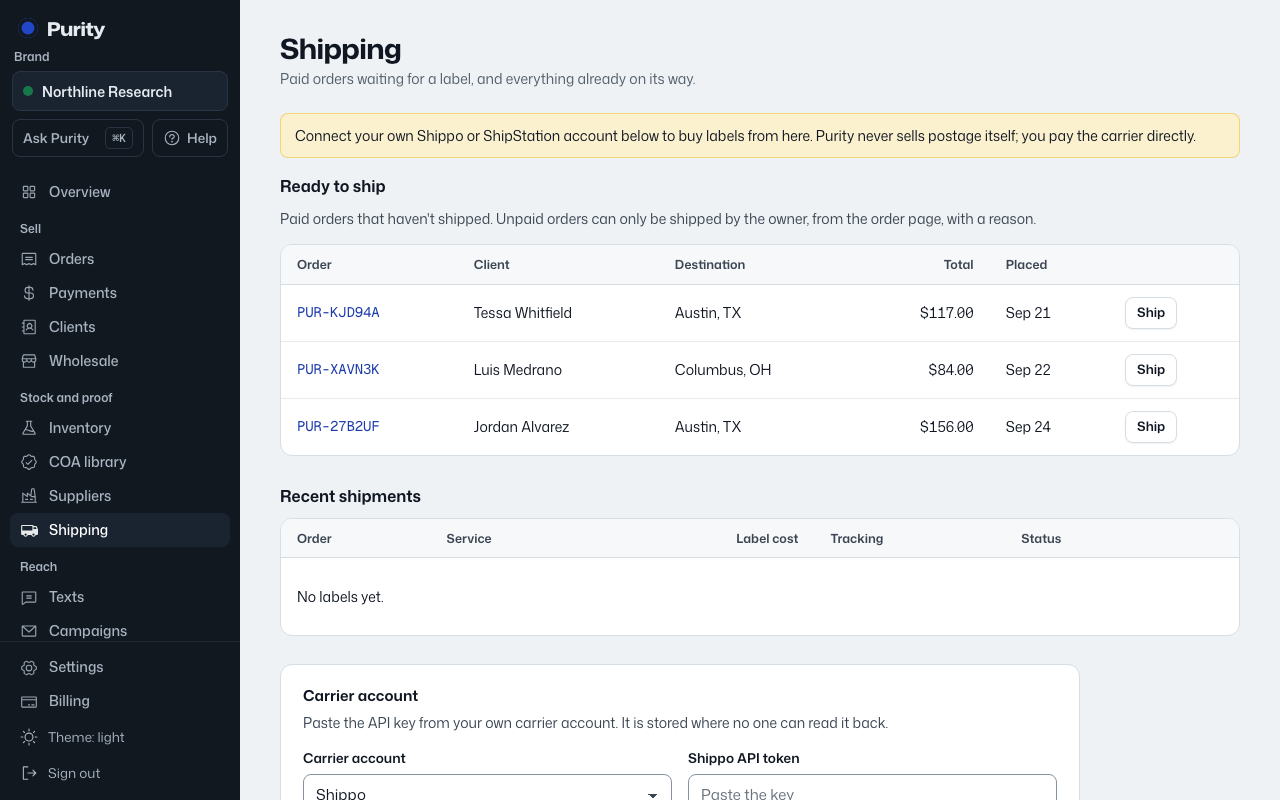
Open Shipping and find the ShipEngine card. Choose "I have an account" to connect, or "I need an account" to sign up in a new tab.
- Sign in to the ShipEngine dashboard.
- Open API Keys and create or copy a production API key.
- Paste the key here. Use the ShipStation V2 card for a key issued by ShipStation.
- Return to Purity, paste your credentials, and choose "Save carrier".
If you signed up in another tab, choose "Connect it now" when you return. Purity may earn a referral payment through signup links.
Your account pays label costs directly. Keep enough funds available and use production credentials for real shipments.